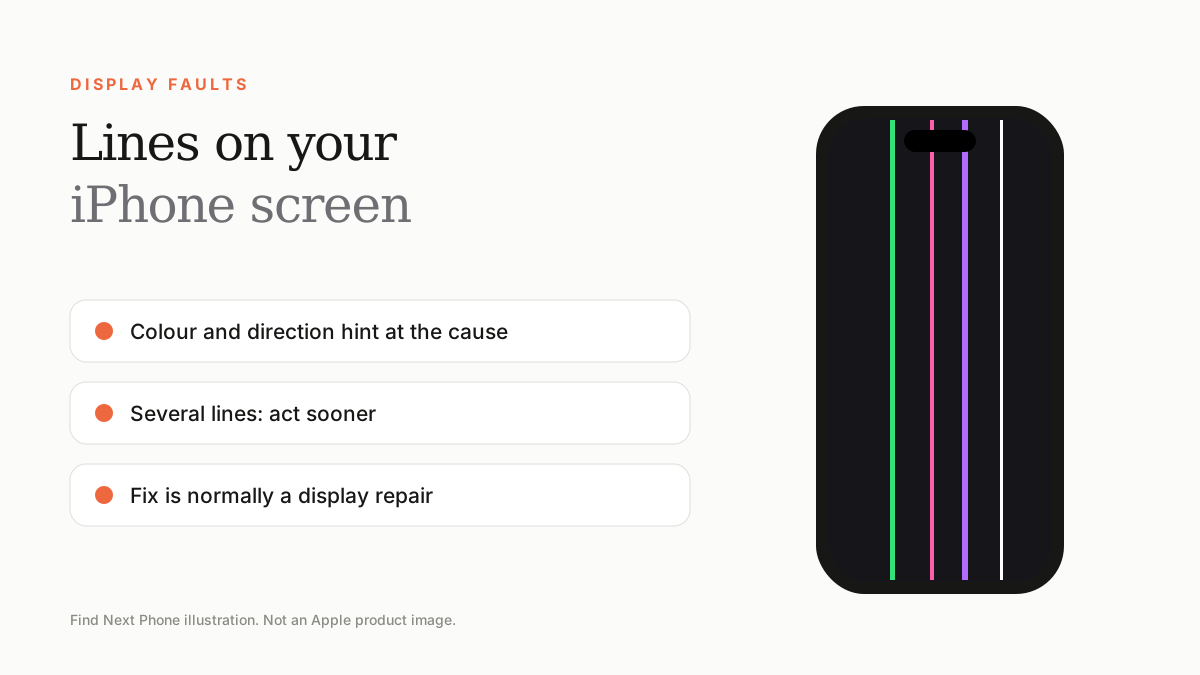
Lines on an iPhone screen almost always mean a hardware problem with the display or its cable. The colour and direction hint at the cause, but the fix is normally a display repair.
Lines on an iPhone display come in many forms — a single thin green line, several coloured stripes, a black bar, or a band across the top. This guide helps you decode what you are seeing.
What each type of line usually means
| Line type | Likely cause | How serious? |
|---|---|---|
| Single thin green or pink line | Damaged OLED column or cable | Moderate — can spread |
| Several coloured vertical lines | Failing panel, often after impact or heat | High — repair soon |
| Black vertical band | Dead pixel columns or a cracked panel | High |
| Horizontal line or flicker band | Display driver or connector issue | Moderate |
| White line that moves or flashes | Loose connector or pressure on the frame | Moderate |
| Lines only in screenshots | Software rendering glitch | Low — try a restore |
Tests you can do in 5 minutes
- Take a screenshot and open it. If the lines do not appear, the fault is in the display hardware.
- Force restart: volume up, volume down, then hold the side button.
- Look at the lines while the Apple logo shows during a restart. If they are visible there too, it is not iOS.
- Turn the brightness up and down and rotate the phone. Lines that react to brightness or movement point to a connector problem.
Do not ignore multiple lines
Several lines usually mean the panel is failing and may go completely black or unresponsive. If you can still use the screen, back up immediately, and disable passcode-dependent features only if you can restore access.
How the fix works
The repair is almost always a display replacement. For a repair to be reliable, ask the shop which screen they are fitting, whether it supports True Tone and Face ID, and what warranty they provide on the new screen.
Frequently asked questions
Can a software update fix lines on the screen?
Only if the lines also show up in a screenshot. Hardware lines need a repair.
Why are there lines on my iPhone after a drop?
The impact can crack the OLED layers or loosen the display cable, even without visible glass damage.
Sources
Find Next Phone is an independent retailer. Apple, iPhone and iOS are trademarks of Apple Inc. Illustrations are our own and are not Apple product images.