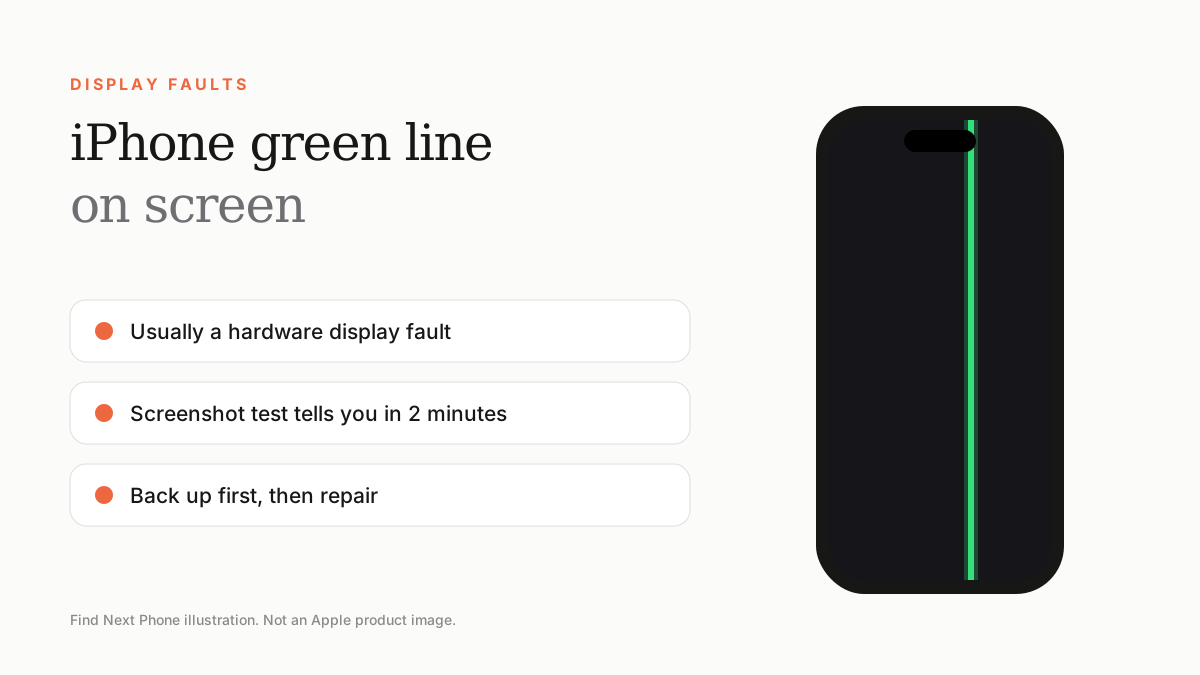
A green line that stays on screen after a restart is almost always a hardware problem with the OLED display or its cable. Software tricks rarely remove it, so test it, back up your data and book a display repair.
A single bright green line running down (or across) an iPhone screen is one of the most searched iPhone faults. It can appear overnight, after a drop, after a software update, or for no obvious reason at all.
The good news: it is rarely a sign that the whole phone is dying. The bad news: in most cases it will not fix itself. Here is how to work out what you are dealing with and what to do next.
What causes a green line on an iPhone screen?
- A damaged OLED panel — drops, pressure on the glass, or a flexed frame can break the thin layers that drive the pixels.
- A loose or damaged display cable inside the phone, often after a knock or a previous repair.
- Heat damage from leaving the phone in a hot car, on a dashboard or under direct sun for long periods.
- Liquid getting into the display connector, even if the phone seemed fine afterwards.
- A faulty or low-quality replacement screen fitted during an earlier repair.
- Rarely, a software glitch that clears with a restart or restore.
The 2-minute screenshot test
This test tells you whether the line is a software or hardware issue. Take a screenshot, then open it in Photos and look at the picture.
| What you see | What it means | Next step |
|---|---|---|
| Line is on the screen but NOT in the screenshot | Display hardware fault | Back up and arrange a display repair |
| Line IS in the screenshot | Software or rendering glitch | Restart, update, then restore |
| Line vanishes after a restart | Temporary glitch | Update iOS and keep watching it |
| Line returns when the phone warms up or is pressed | Loose connector or damaged panel | Stop using it heavily and book a repair |
What to try first
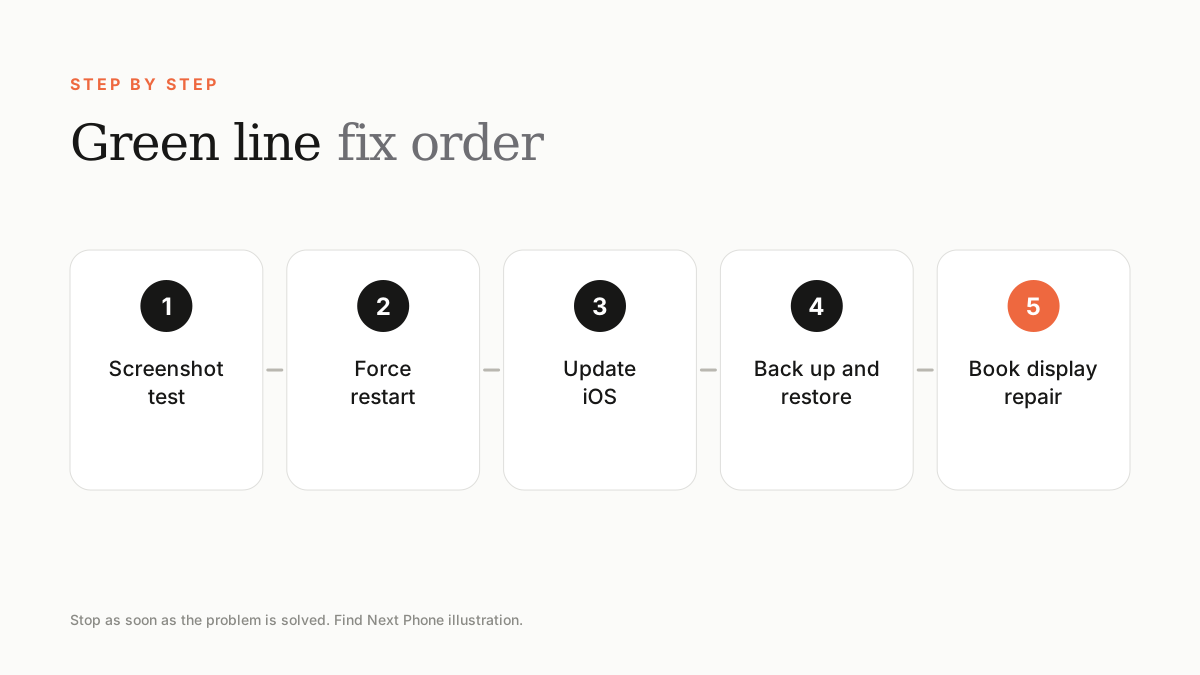
- Run the screenshot test above.
- Force restart the phone: press volume up, then volume down, then hold the side button until the Apple logo appears.
- Update to the latest iOS in Settings › General › Software Update.
- Back up with iCloud or a computer, then restore the iPhone using a computer if the line shows in screenshots.
- If the line is still there after a restore, it is hardware — book a display inspection.
Will the green line spread?
It often does. A thin line can grow wider, multiply, or be joined by pink, purple or white lines over days or weeks. That is why we recommend backing up as soon as you notice it — if the display fails completely, restoring your photos and messages becomes much harder.
Repair or replace?
For a phone that is otherwise healthy, a display replacement is usually far cheaper than a new iPhone. If the phone is several years old and the repair quote is more than around half of its value, trading it in towards a newer model can make more sense — even a faulty phone can have trade-in value.
Frequently asked questions
Can a green line on an iPhone fix itself?
Occasionally, if it was caused by a software glitch. A hardware green line does not fix itself and usually gets worse.
Is a green line on iPhone covered by warranty?
It can be, if it is a manufacturing defect and there is no physical or liquid damage. Check your coverage with Apple, then see our warranty guide.
Does a green line mean my data is lost?
No. The phone's storage is separate from the screen. Back up as soon as you can so your data is safe.
Sources
Find Next Phone is an independent retailer. Apple, iPhone and iOS are trademarks of Apple Inc. Illustrations are our own and are not Apple product images.