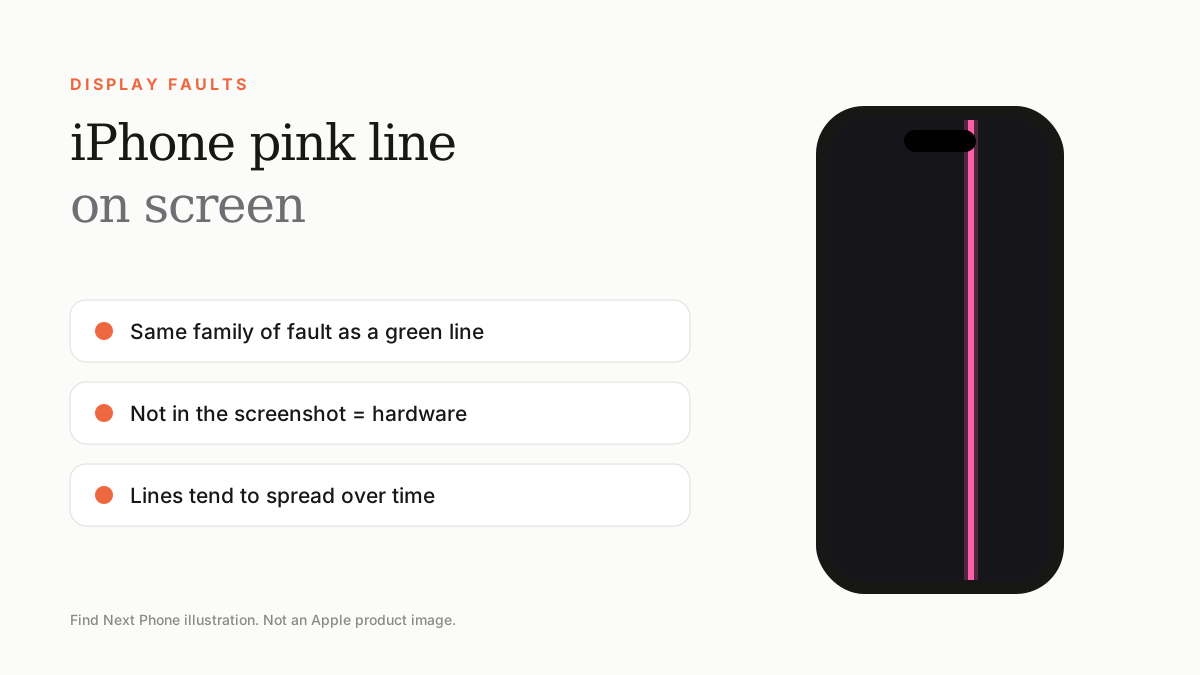
A pink line is the same kind of fault as a green line: the display panel or its connection is damaged. If it shows on screen but not in screenshots, it is hardware and needs a display repair.
Pink, magenta and purple lines are a close cousin of the better-known iPhone green line. They usually appear after a drop, heat exposure or water, and they tend to be permanent.
Why do lines change colour?
An OLED screen is made of millions of tiny pixels, each built from red, green and blue sub-pixels. When a column of pixels loses its signal or a driver fails, the leftover sub-pixels light up as a coloured line. Depending on which colours are still working, you may see green, pink, purple, blue or white.
Quick checks before you book a repair
- Take a screenshot. If the pink line does not appear in the screenshot, it is a hardware fault.
- Restart the phone and check again in a darker room.
- Remove the case and any screen protector, then press lightly around the frame — if the line flickers, the connector may be loose.
- Update iOS and, if the line only appears in screenshots, restore the phone.
- Back up everything now, before the fault spreads.
Pink line vs pink tint
A thin line is hardware. A whole-screen pink or magenta wash can be software — for example from True Tone, Night Shift, Colour Filters or a Reduce White Point setting. Check Settings › Accessibility › Display & Text Size › Colour Filters first.
Repair options in the UAE
- Apple or an Apple Authorised Service Provider: genuine parts, and your iPhone's Face ID and True Tone calibration stay intact.
- Independent repair shops: often faster and cheaper, but quality varies and some replacement screens lose features.
- Trade-in: if the phone is old, a trade-in credit can offset a newer model.
Frequently asked questions
Is a pink line on iPhone dangerous?
No, it is not a safety issue, but it usually gets worse over time, so back up your data.
Can I fix an iPhone pink line myself?
Not reliably. Only a display or connector repair fixes a hardware line.
Sources
Find Next Phone is an independent retailer. Apple, iPhone and iOS are trademarks of Apple Inc. Illustrations are our own and are not Apple product images.