Short answer
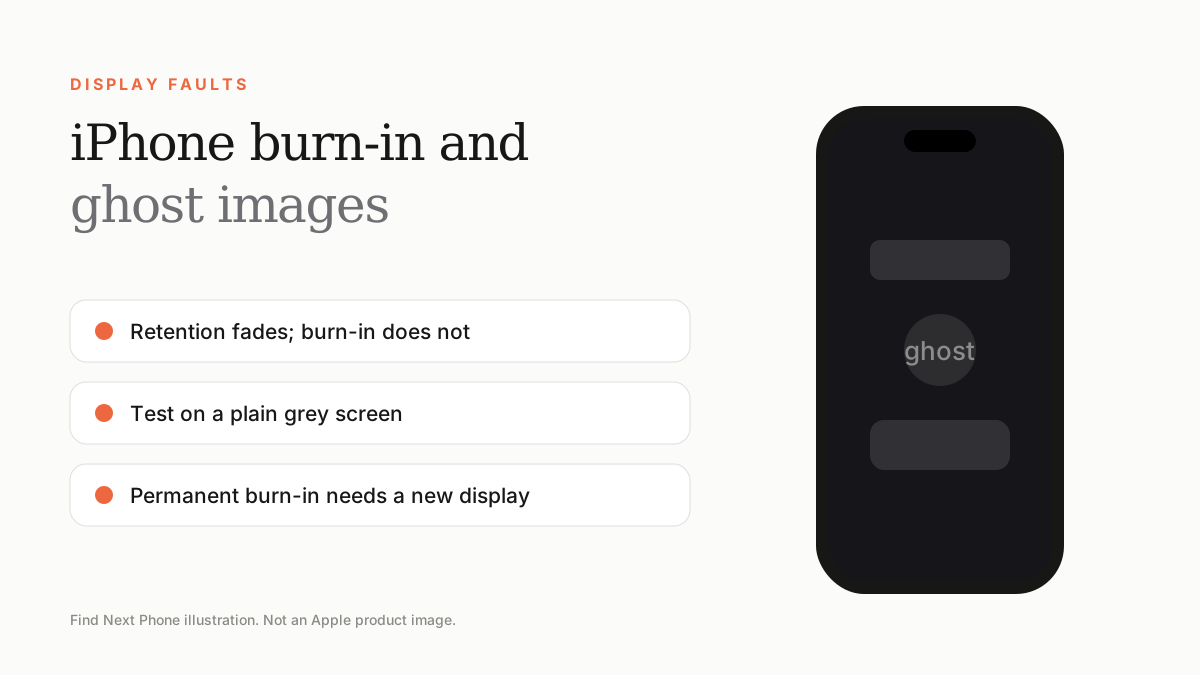
Temporary image retention fades within minutes or hours; true burn-in is permanent wear in the pixels. Use a solid-colour test, reduce static content and brightness, and replace the display if the outline stays.
Every iPhone since the iPhone X with an OLED display can suffer uneven pixel ageing. For most people it never becomes visible, but heavy users should know the signs.
Retention vs burn-in
| Image retention | Burn-in | |
|---|---|---|
| How long it lasts | Minutes to hours | Permanent |
| Typical cause | Static image at high brightness for a while | Months or years of the same bright static element |
| Fix | Show a changing or black screen | Display replacement |
How to test
- Set a full-screen grey wallpaper or open a plain grey image.
- Set brightness to about 50% and look for faint outlines of keyboards, navigation bars or icons.
- Rotate the phone and compare — a stable outline across tests suggests burn-in.
- Wait 30 minutes with a video playing, then re-check. Fading outlines are retention.
How to reduce the risk
- Use Auto-Lock at 30 seconds or 1 minute.
- Enable Auto-Brightness.
- Use Dark Mode if you like it, as it lowers pixel usage.
- Avoid leaving navigation, games or static apps on screen at max brightness.
- Keep the phone out of high heat.
Buying used?
Burn-in is easier to spot in a plain grey or dark test than on a busy screen. Always test, especially on heavily used phones. Our used display guide has a full checklist.
Frequently asked questions
Does iPhone burn-in happen to everyone?
No. Most users never see it during normal use.
Can burn-in be fixed in software?
No. Software can only reduce the risk; permanent wear needs a new display.