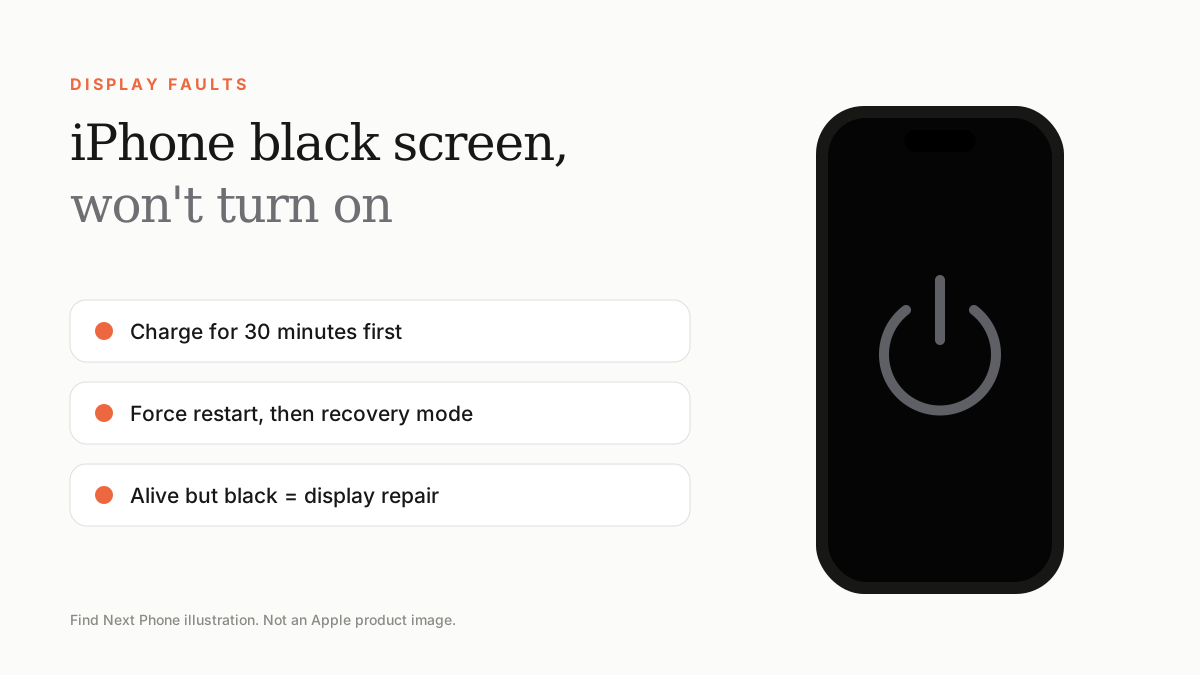
Charge the iPhone for at least 30 minutes, then force restart it. If that fails, connect it to a computer and use recovery mode. If you can hear sounds or feel vibrations but the screen is black, the display may be faulty.
A black screen can be a flat battery, a software crash or a failed display. These steps go from simplest to most involved.
Fix it step by step
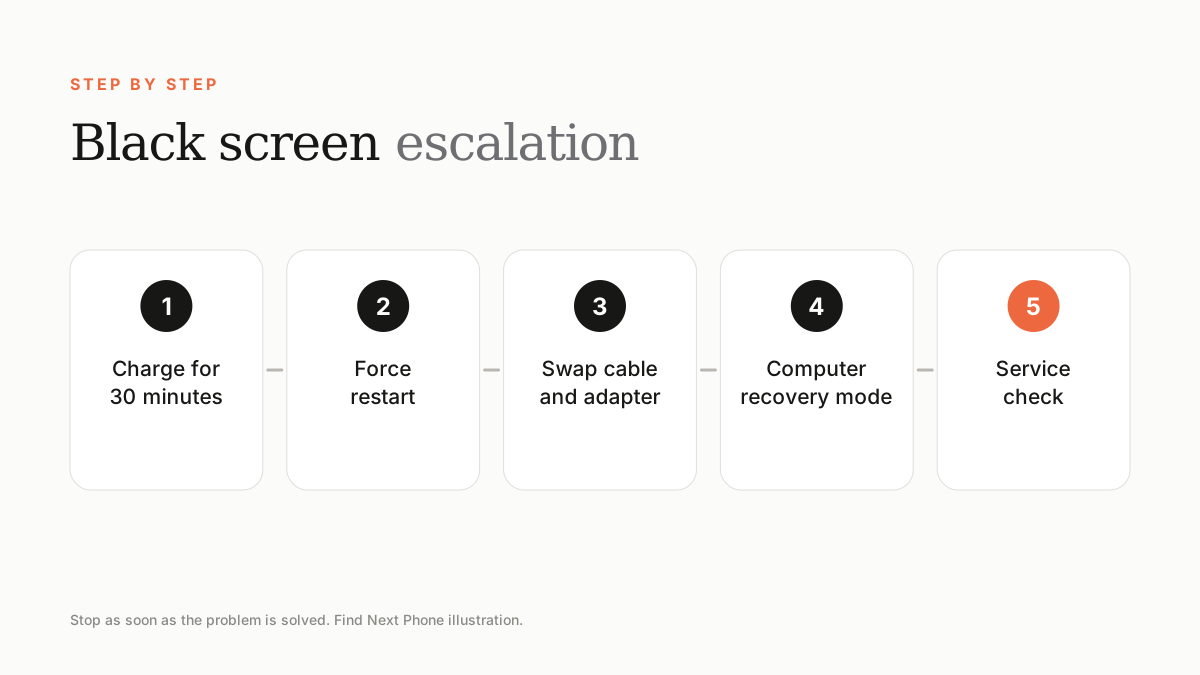
- Plug into a known-good cable and wall adapter and leave it for at least 30 minutes.
- Force restart: press volume up, volume down, then hold the side button for around 10 seconds.
- Try another cable, adapter and outlet to rule out charging accessories.
- Connect to a computer, open Finder or the Apple Devices app, and enter recovery mode if the logo does not appear.
- Choose Update first. Only choose Restore if Update fails, because it erases data.
Screen black but phone seems alive?
If the phone vibrates, rings, shows up on a computer or responds to Siri, the software is running and the display or its connector has failed. Back up through the computer if it is recognised, then arrange a display repair.
When it won't charge at all
Clean the Lightning or USB-C port gently with a wooden or plastic pick, because lint is a common cause. If the phone gets very hot, shows a liquid warning, or has not powered on after a long charge, it needs a technician — it may be a battery or logic board fault.
Frequently asked questions
Will recovery mode erase my data?
Choose Update first, which keeps your data. Restore erases everything.
How long should I charge a dead iPhone?
Give it at least 30 minutes with a reliable cable and adapter before judging.
Sources
Find Next Phone is an independent retailer. Apple, iPhone and iOS are trademarks of Apple Inc. Illustrations are our own and are not Apple product images.