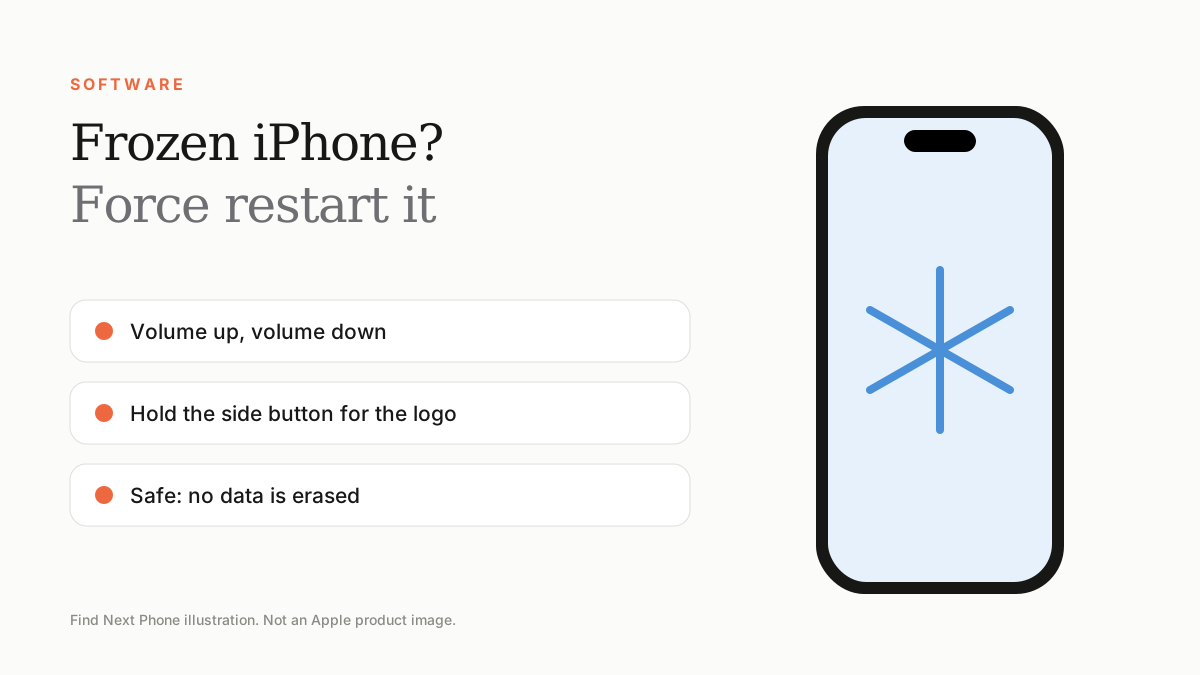
Short answer
On iPhone 8 and later, press and release volume up, press and release volume down, then hold the side button until the Apple logo appears.
A force restart does not erase anything. It is the first fix for freezes, black screens and unresponsive touch.
Force restart by model
| iPhone | Button sequence |
|---|---|
| iPhone 8 and later (including Face ID models) | Volume up, volume down, then hold the side button until the logo appears |
| iPhone 7 and 7 Plus | Hold volume down and the side button together until the logo appears |
| iPhone 6s and earlier, iPhone SE (1st gen) | Hold Home and the top or side button together until the logo appears |
If freezes keep happening
- Update iOS and all apps.
- Free up storage; aim to keep at least 10% free.
- Delete or reinstall the app that freezes most.
- Reset all settings (not Erase All Content).
- Back up and restore as new if it continues.
When it is hardware
Freezes that come with heat, rapid battery drop or random shutdowns point to a battery or logic board fault. Ask a technician for a battery health and diagnostic check.
Frequently asked questions
Is a force restart bad for my iPhone?
No, it is safe and does not delete data.
What if the buttons don't work?
Use AssistiveTouch if the screen works, or connect to a computer, or visit a service provider.
Sources
Find Next Phone is an independent retailer. Apple, iPhone and iOS are trademarks of Apple Inc. Illustrations are our own and are not Apple product images.