Short answer
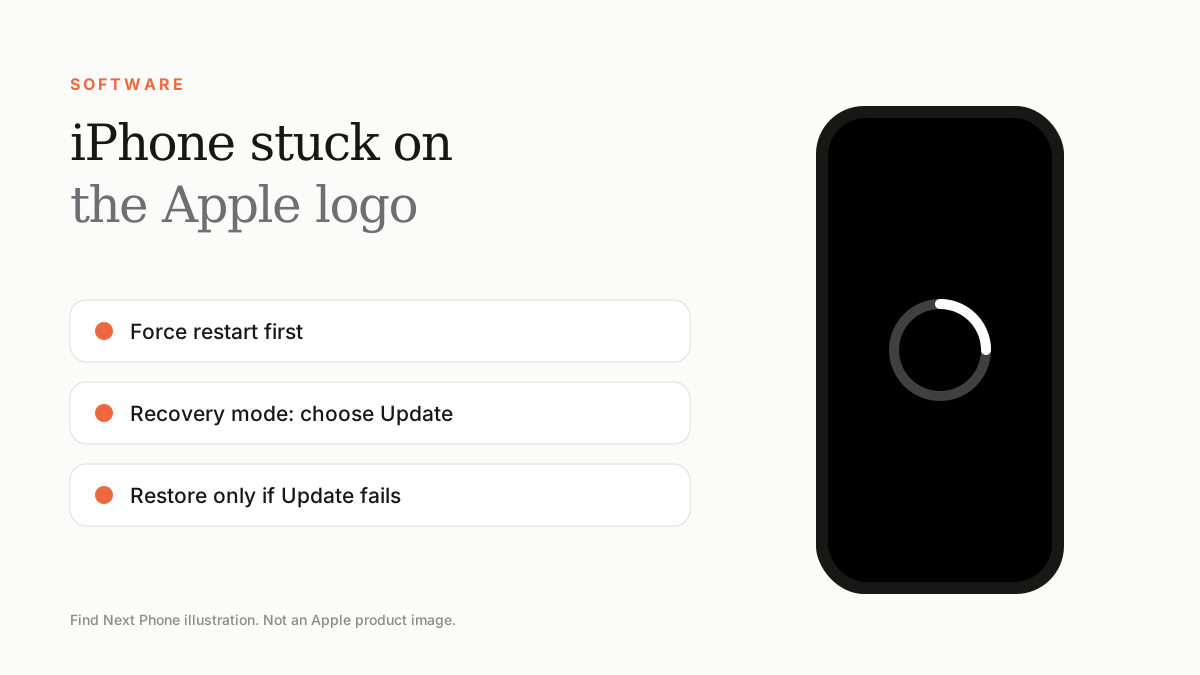
Force restart first. If it stays on the Apple logo, connect to a computer, enter recovery mode and choose Update to reinstall iOS without erasing data. Only Restore if Update fails.
This usually happens after a failed update, a restore or a storage problem. The data is almost always still there.
Fix it step by step
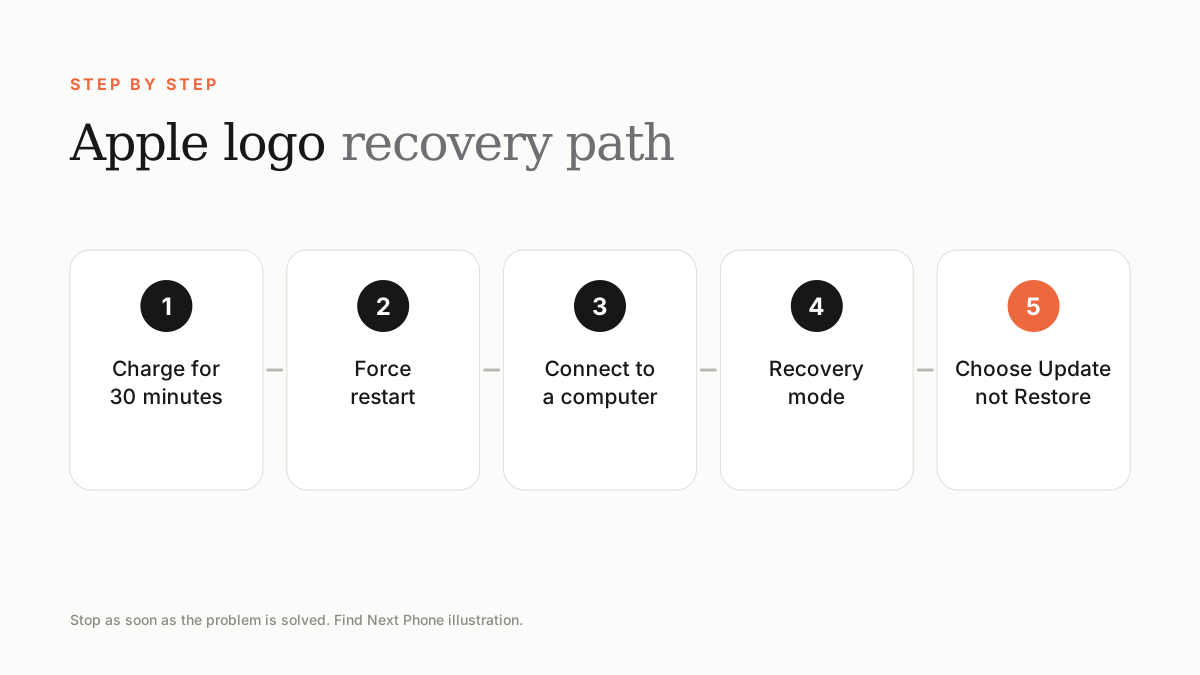
- Charge the phone for at least 30 minutes.
- Force restart: volume up, volume down, then hold the side button until the Apple logo reappears.
- Connect to a Mac or PC and open Finder or the Apple Devices app.
- Put the phone into recovery mode by repeating the force restart and keeping the button held until the recovery screen appears.
- Choose Update. If it fails after about 15 minutes, repeat and choose Restore.
If you don't have a computer
Visit an Apple Authorised Service Provider or a trusted repair shop. They can recover the phone using specialist equipment.
If it keeps happening
- Free up storage; a full phone can fail to boot after updates.
- A failing battery or logic board can cause repeated boot loops.
- Water damage can cause the phone to restart on the logo.
Frequently asked questions
Will I lose my data?
Update keeps your data; Restore erases it. Restore from an iCloud or computer backup afterwards.
How long should an update take?
Anything from a few minutes to 30 minutes, depending on connection and model.
Sources
Find Next Phone is an independent retailer. Apple, iPhone and iOS are trademarks of Apple Inc. Illustrations are our own and are not Apple product images.