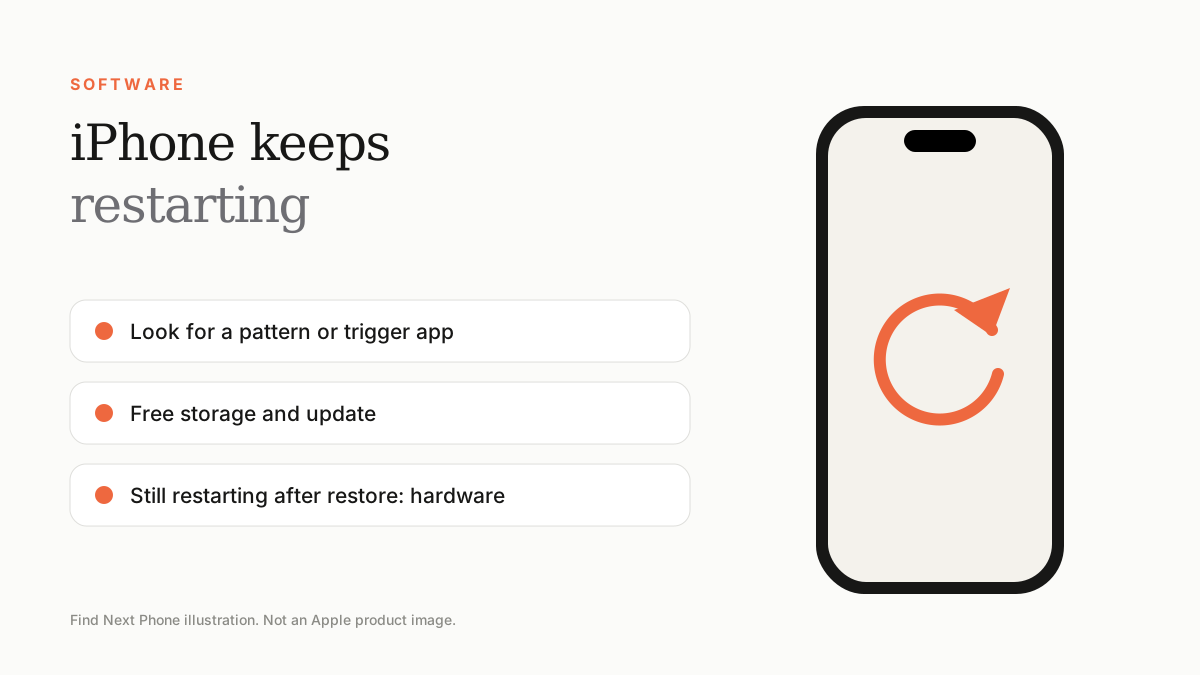
Short answer
Update iOS, free storage, remove recently installed apps and check battery health. If restarts continue after a restore, the battery or logic board is likely at fault.
Occasional restarts can happen after an update. Repeated restarts need attention.
Look for patterns
- Does it restart when you open one app?
- Does it restart while charging or hot?
- Did it start after an update, a drop or water exposure?
- Does the battery drop suddenly before shutdown?
Fix it step by step
- Update iOS and all apps.
- Delete or reinstall the app that triggers restarts.
- Free up storage so the phone has working space.
- Open Settings › Privacy & Security › Analytics & Improvements › Analytics Data to see crash logs.
- Reset all settings.
- Back up and restore through a computer.
Battery or hardware
A degraded battery can cause shutdowns when the phone demands more power than the battery can deliver. Check Maximum Capacity in Battery Health. If you've restored the phone and restarts continue, book a battery and logic board diagnostic.
Frequently asked questions
Is it a virus?
iPhones rarely get viruses. A rogue app or glitch is far more likely.
Will a restore delete my data?
Yes, but you can restore from a backup.