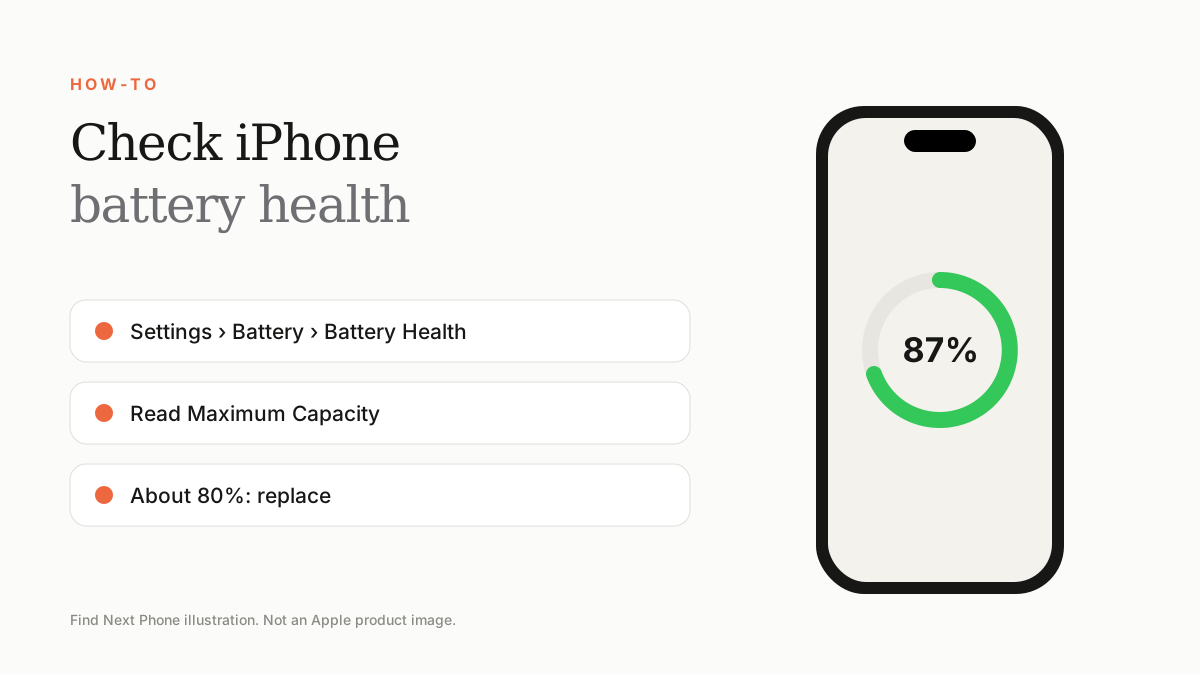
Go to Settings › Battery › Battery Health & Charging. Maximum Capacity shows the battery's condition compared with new. Around 80% or below is the point where a replacement starts to make sense.
Battery health is the best single number for judging an iPhone, whether you own it or are buying it used.
Check it in 3 steps
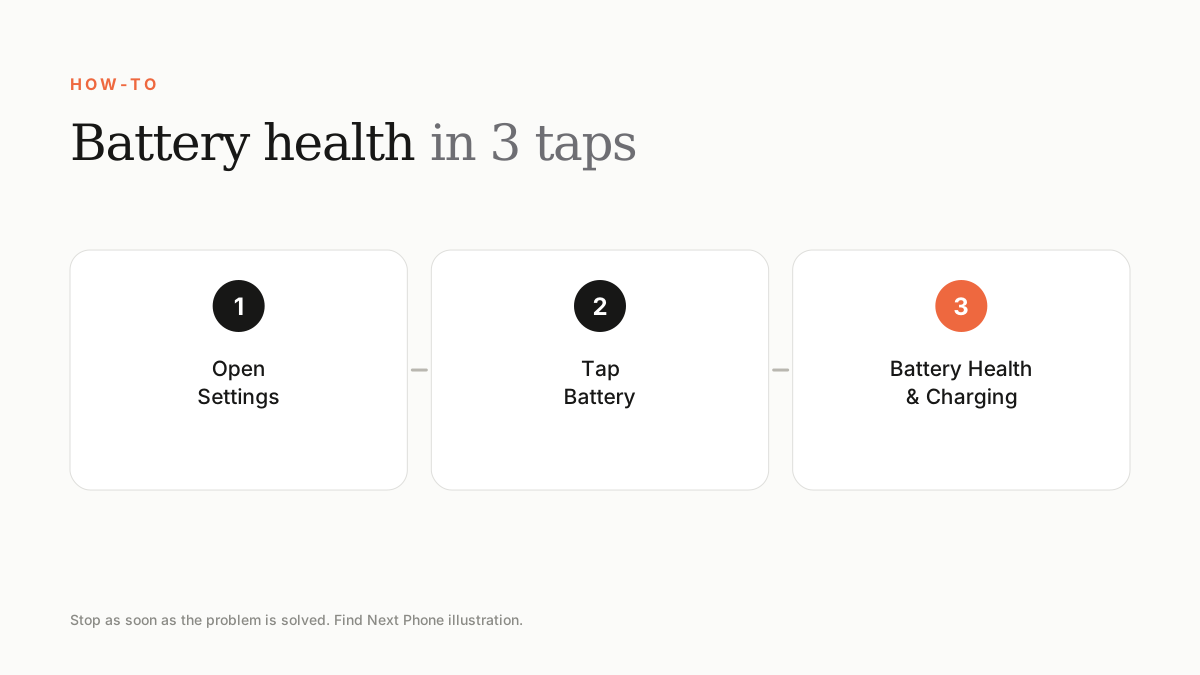
- Open Settings and tap Battery.
- Tap Battery Health & Charging.
- Read Maximum Capacity and any messages about Peak Performance Capability.
What the numbers mean
| Maximum Capacity | What it means | Action |
|---|---|---|
| 95–100% | Like new | Nothing to do |
| 85–94% | Normal ageing | Fine for most users |
| 80–84% | Noticeable wear | Consider replacement if battery life frustrates you |
| Below 80% | Degraded | Replace the battery |
Cycle count and service messages
Some models show a cycle count in Settings › General › About. Most iPhones are designed to retain up to 80% capacity at around 500 complete charge cycles, although this varies by model. A 'Service' message means Apple recommends replacement.
Buying a used iPhone?
Always check Battery Health before paying. Certified used iPhones sold by Find Next Phone include battery assurance, so you can buy knowing the battery will perform.
Frequently asked questions
Why is there no Battery Health option?
Older iOS versions, a replaced non-genuine battery or a fault can hide it.
How much does a battery replacement cost?
It depends on the model and provider. Ask for a written quote.
Sources
Find Next Phone is an independent retailer. Apple, iPhone and iOS are trademarks of Apple Inc. Illustrations are our own and are not Apple product images.