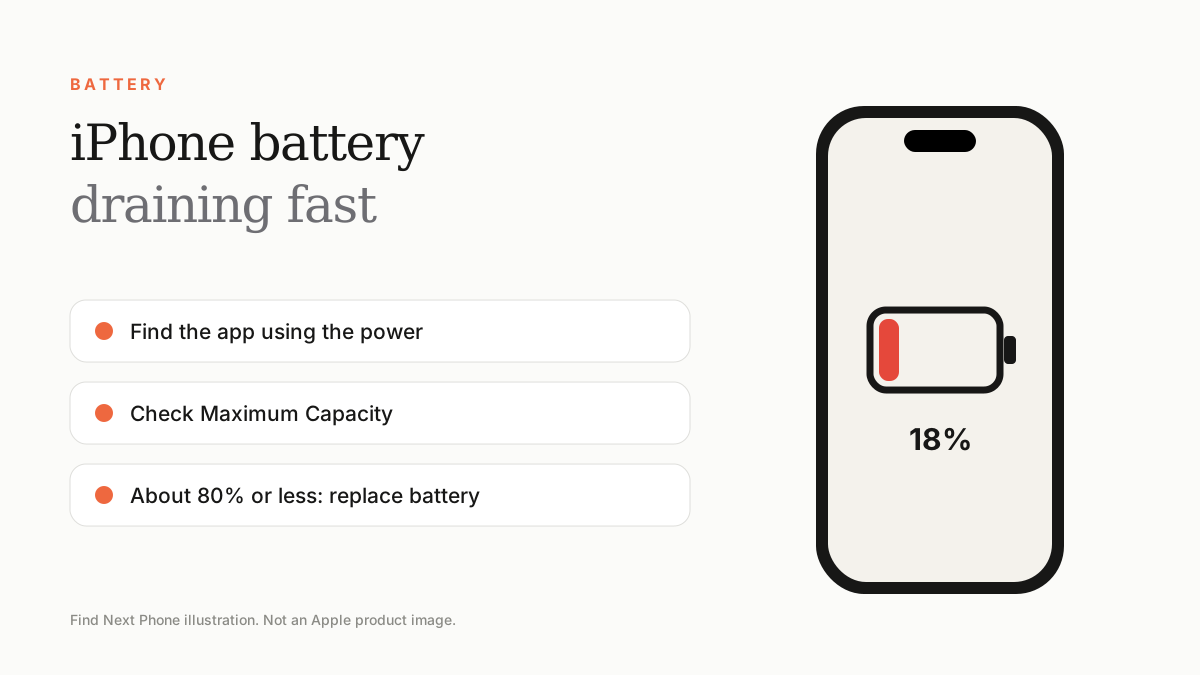
Check Settings › Battery for the apps using the most power, update iOS, reduce background refresh and screen brightness, and look at Battery Health. If maximum capacity is below about 80%, a battery replacement is the real fix.
Battery drain is rarely random. It is usually one app, one setting, a weak signal or an ageing battery.
Find the culprit first
- Open Settings › Battery and look at the last 24 hours and 10 days.
- Check which apps used the most power and how much was in the background.
- Open Settings › Battery › Battery Health & Charging and note Maximum Capacity.
- Look for unusually high Screen On time versus Screen Off drain.
12 fixes to try
- Update iOS and your apps.
- Lower screen brightness and turn on Auto-Brightness.
- Turn off Background App Refresh for apps you rarely use.
- Limit Location Services to 'While Using' for most apps.
- Turn on Low Power Mode when you need a few more hours.
- Switch off Raise to Wake and Always-On Display if you don't need them.
- Use Wi-Fi at home; weak cellular signal makes the phone work harder.
- Turn off unneeded notifications and widgets that refresh constantly.
- Force-quit an app that keeps misbehaving.
- Avoid very hot or very cold environments.
- Restart your phone once a week.
- Reset all settings as a last software step (Settings › General › Transfer or Reset iPhone › Reset).
After an iOS update
After a major update, the phone re-indexes photos, files and apps for a day or two, which uses extra battery. Give it a couple of days before deciding the update is at fault.
When it is time for a new battery
If Maximum Capacity is about 80% or less, the phone shuts down unexpectedly or Settings says the battery is degraded, replace it. Our battery health guide explains the numbers in more detail.
Frequently asked questions
Is it normal for battery to drain overnight?
A loss of a few percent overnight is normal. Losing 20% or more suggests an app, a poor signal or a battery problem.
Does closing apps save battery?
Generally no. Force-quit only apps that behave badly.
Sources
Find Next Phone is an independent retailer. Apple, iPhone and iOS are trademarks of Apple Inc. Illustrations are our own and are not Apple product images.