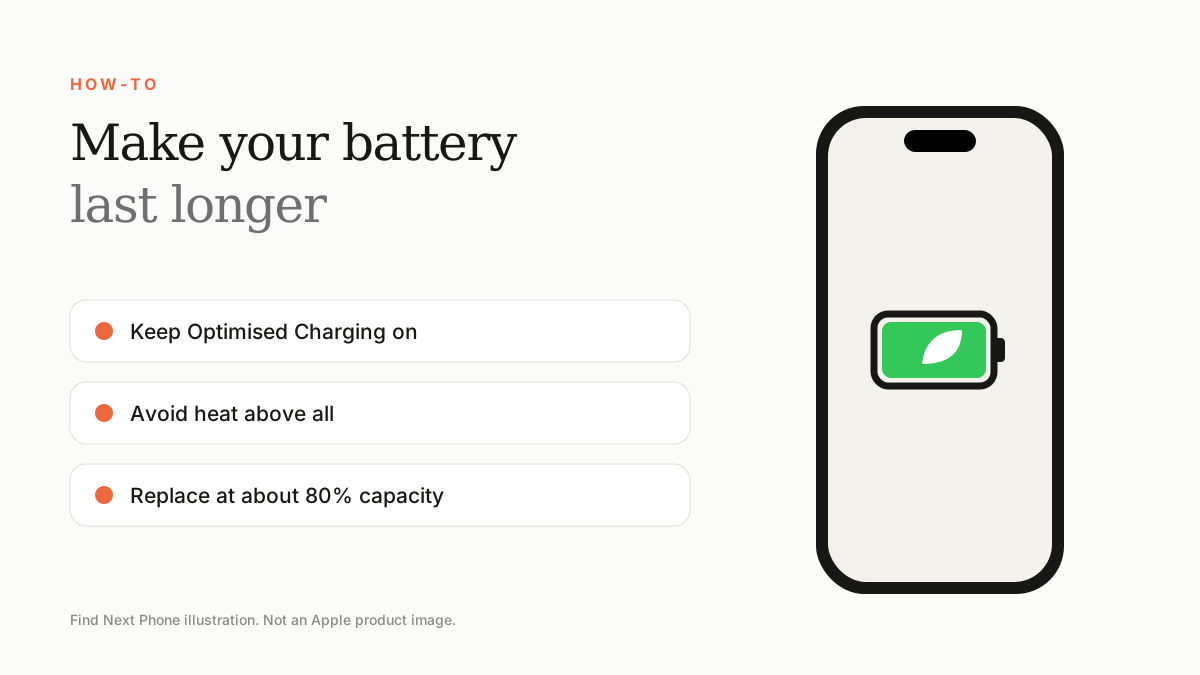
Use Low Power Mode when needed, keep Optimised Battery Charging on, avoid heat, lower brightness and reduce background activity. Replace the battery when its capacity drops to about 80%.
Battery life has two parts: how long it lasts today, and how long the battery stays healthy over the years.
Daily battery life
- Turn on Auto-Brightness and lower manual brightness.
- Use Low Power Mode on long days.
- Reduce Background App Refresh.
- Set location access to 'While Using' for most apps.
- Turn off Raise to Wake and Always-On Display if you don't need them.
- Use Wi-Fi instead of weak mobile signal.
- Cut down notifications from noisy apps.
Long-term battery health
- Keep Optimised Battery Charging on under Battery Health & Charging.
- Avoid leaving the phone in a hot car or in direct sun.
- Don't charge under a pillow or in a thick case on a hot day.
- Use certified chargers and cables.
- Avoid regularly draining to 0%.
Check how you're doing
- Open Settings › Battery and review the last 10 days.
- Look for apps with unusual background use.
- Check Battery Health & Charging every few months.
Know when to replace
A new battery can feel like a new phone. If capacity is near 80%, or you use the phone heavily and have a reliable older model, a replacement is often better value than upgrading.
Frequently asked questions
Is overnight charging bad?
Optimised Battery Charging reduces the time at 100%, so it is fine for most people.
Does closing apps save battery?
Usually not. Force-quit only apps that misbehave.
Sources
Find Next Phone is an independent retailer. Apple, iPhone and iOS are trademarks of Apple Inc. Illustrations are our own and are not Apple product images.