Short answer
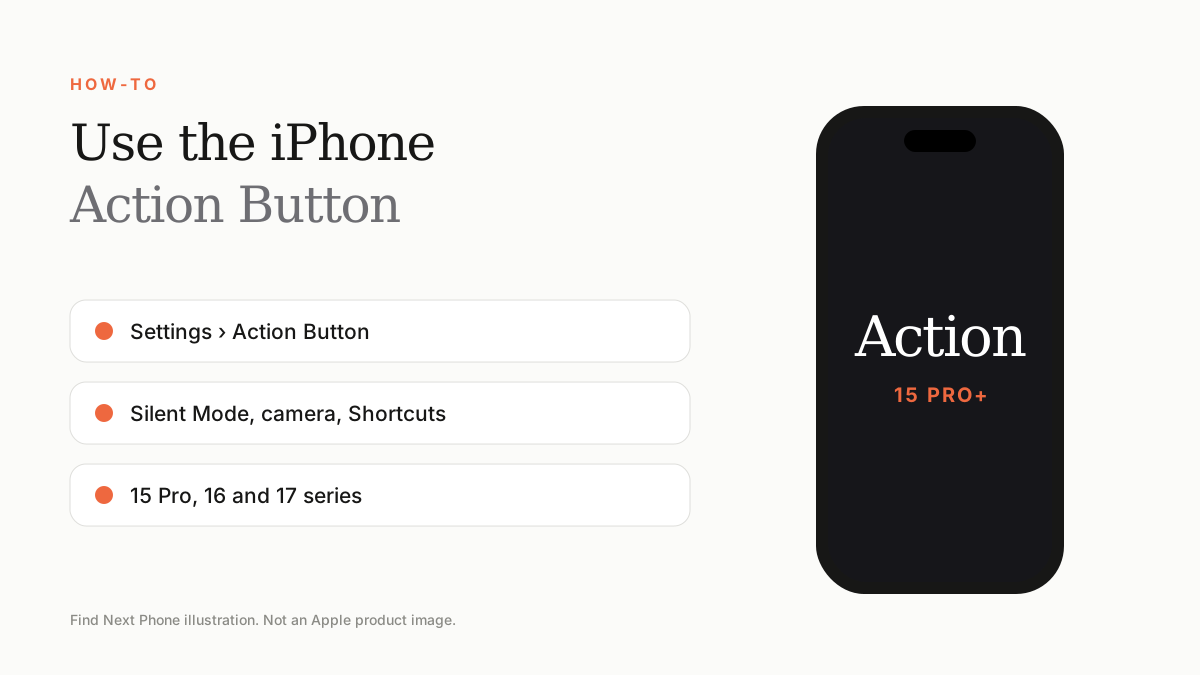
Go to Settings › Action Button, swipe to the action you want — Silent Mode, Camera, Flashlight, Focus, Shortcut and more — and press and hold the button to use it.
The Action Button first appeared on iPhone 15 Pro and now exists on iPhone 16 and 17 models and iPhone 16e. It replaces the old ring/silent switch.
Set it up
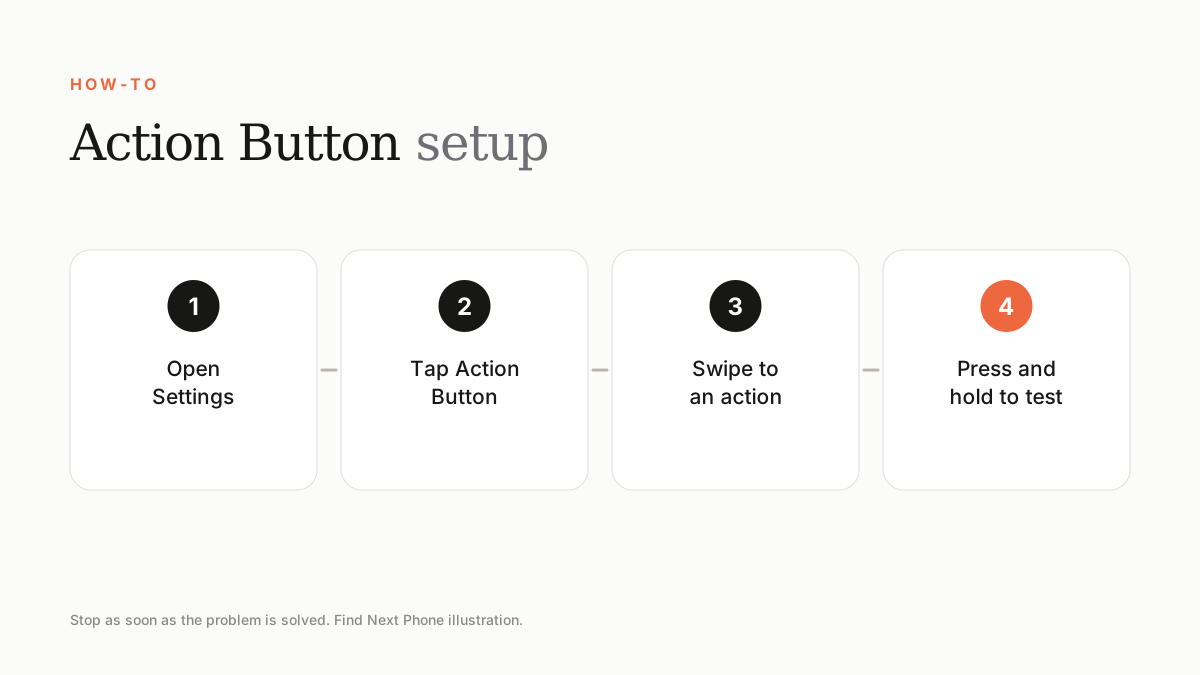
- Open Settings and tap Action Button.
- Swipe left or right to choose an action.
- Tap the small options below the action to refine it.
- Press and hold the button to test it.
Popular actions
- Silent Mode (the classic switch behaviour).
- Camera or Selfie mode.
- Flashlight.
- Translate, Voice Memo or Magnifier.
- Any Shortcut, including opening a specific app.
Tips
- Use a Shortcut to open your favourite app.
- Silent Mode shows an indicator in the Dynamic Island.
- Some cases cover or block the button — check before you buy.
Frequently asked questions
Which iPhones have an Action Button?
iPhone 15 Pro, all iPhone 16 and 17 models and iPhone 16e. iPhone 15 and earlier standard models keep the ring/silent switch.
Can it run Shortcuts?
Yes, any Shortcut.
Sources
Find Next Phone is an independent retailer. Apple, iPhone and iOS are trademarks of Apple Inc. Illustrations are our own and are not Apple product images.