Short answer
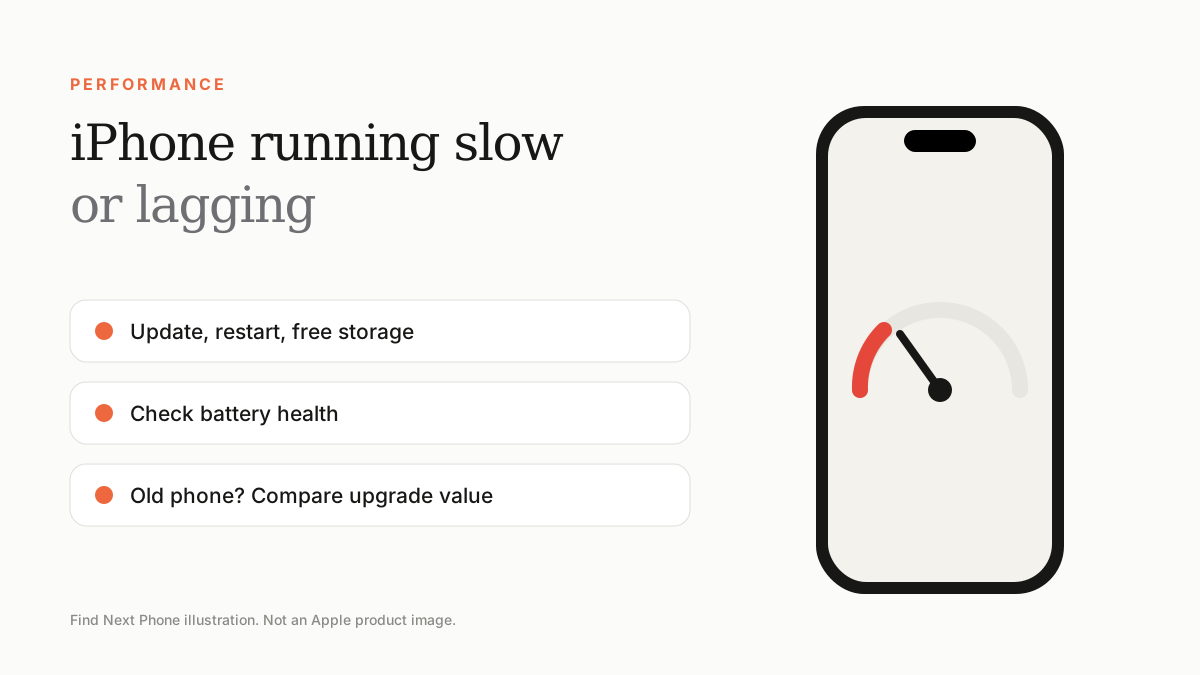
Update iOS, restart, free up at least 10% of storage, reduce motion and background refresh and check battery health. If an old phone still struggles, it may be time to upgrade.
A slow iPhone is usually low on storage, running an ageing battery or working through a post-update re-index.
Quick wins
- Restart the iPhone.
- Update iOS and apps.
- Free storage: delete unused apps and large videos.
- Turn off Background App Refresh for apps you rarely use.
- Turn on Reduce Motion under Settings › Accessibility › Motion.
- Clear Safari history and website data.
Check the battery
Apple may reduce peak performance on iPhones with significantly degraded batteries to prevent unexpected shutdowns. In Settings › Battery › Battery Health & Charging, look for performance management messages. A new battery can bring back normal speed.
When it is time to upgrade
- The iPhone no longer receives the latest iOS.
- Apps crash or refuse to update.
- Battery replacement would cost a large share of the phone's value.
- You want modern camera, AI and battery features.
Frequently asked questions
Does restarting speed up an iPhone?
It clears temporary memory and fixes minor glitches, so yes, it can help.
Will a factory reset speed it up?
It can if the slowness comes from software clutter, but back up first.