Short answer
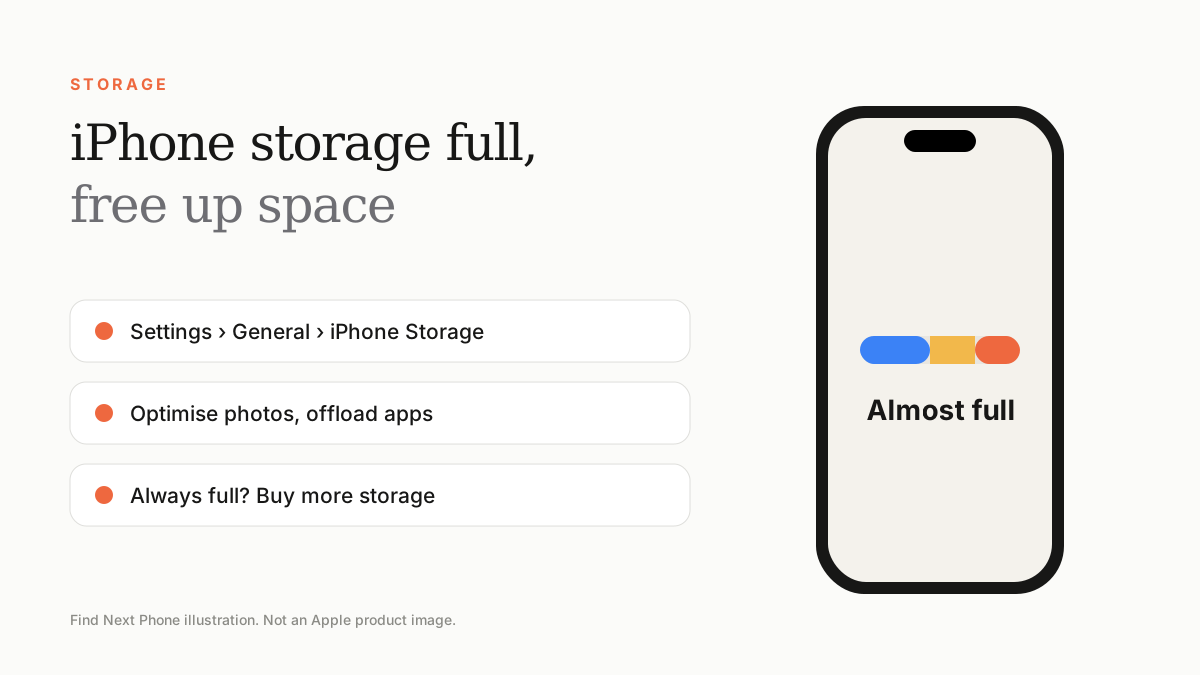
Open Settings › General › iPhone Storage, look at the biggest categories and use Offload Unused Apps, Optimise iPhone Storage for photos and message clean-up. If you're always full, choose a bigger iPhone next time.
A full iPhone can't take photos, update or even install apps. The fix is usually a few settings.
Find what is using space
- Go to Settings › General › iPhone Storage.
- Wait for the bar to load, then read the recommendations.
- Tap the largest apps to see their documents and data.
Safe ways to free space
- Turn on iCloud Photos with Optimise iPhone Storage, so full-resolution originals live in iCloud.
- Offload unused apps — the data is kept and the app can be re-downloaded.
- Set Messages to keep messages for 1 year, and review large attachments.
- Delete downloaded podcasts, videos and offline music you don't need.
- Clear Safari history and website data.
- Check 'Recently Deleted' in Photos and empty it.
How much storage do you need?
| User type | Suggested storage |
|---|---|
| Light: messaging, social, a few photos | 128GB–256GB |
| Regular: lots of photos and video, games | 256GB–512GB |
| Heavy: 4K video, ProRAW, large games | 512GB–1TB or more |
Frequently asked questions
What is 'System Data'?
It includes caches, logs and other files. It usually shrinks after a restart and update.
Does deleting a photo from iPhone delete it from iCloud?
Yes if iCloud Photos is on, since the library is synced across devices.