For iPhone 15 issues, start with current iOS, a known-good USB-C cable and charger, Battery settings and a temperature check. Used buyers should also inspect the USB-C port, cycle count or battery information, cameras and Parts and Service History.
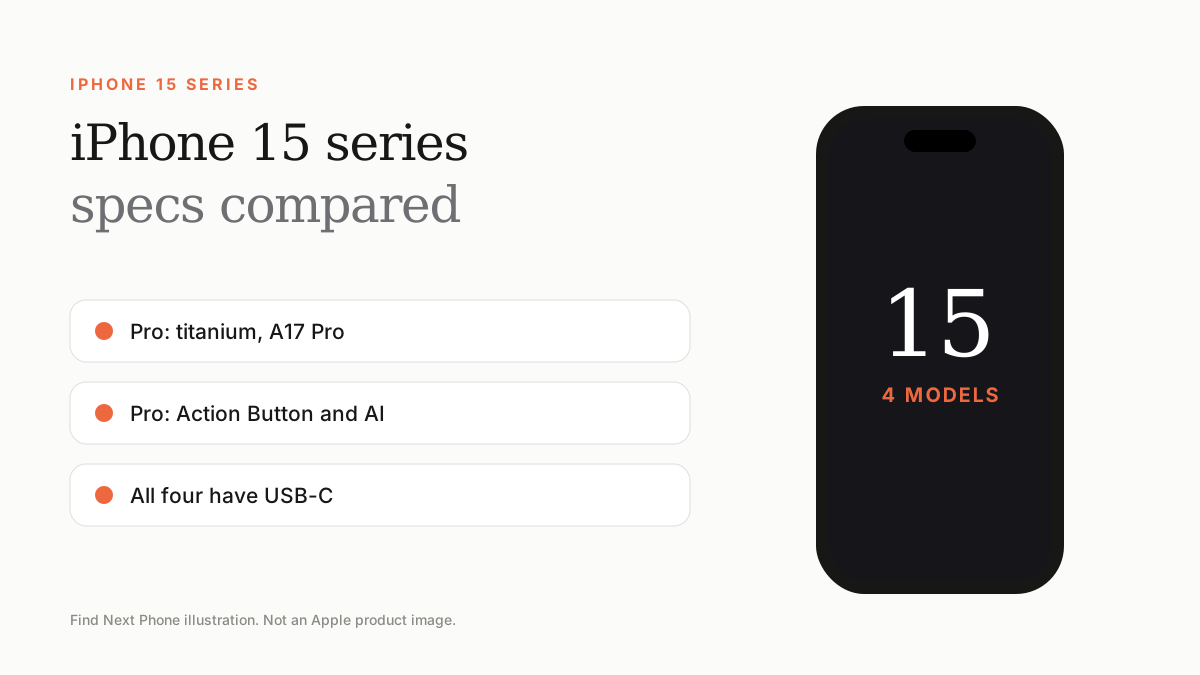
USB-C makes accessories easier to share, but not every USB-C cable supports the same charging or data capability. That is an accessory compatibility problem—not automatically an iPhone fault.
USB-C charging or connection problems
- Test a certified, known-good cable and wall adapter.
- Inspect the port for damage or compacted debris without inserting metal tools.
- Restart and install current iOS.
- Compare charging with another source and, where supported, wireless charging.
- Seek service if the connector is loose, hot, corroded or intermittent.
Heat and battery
Setup, restoring, games, navigation and high-resolution video can create normal warmth. Use Settings › Battery to find sustained background activity. Avoid charging in direct sunlight or a parked vehicle; high ambient temperature can pause charging and shorten battery lifespan.
Used-buyer inspection
- Check battery health information and any service recommendation.
- Connect a charger and a data accessory to the USB-C port.
- Test every camera, autofocus, microphone and speaker.
- Check Face ID and the full display for touch response.
- Review Parts and Service History and confirm Activation Lock is off.
Frequently asked questions
Will any USB-C cable fast-charge iPhone 15?
No. Cable and power-adapter capability varies. Use compatible, reputable accessories.
Why does charging stop at 80%?
A charge limit, Optimized Battery Charging or temperature protection may be active. Check Battery settings and device temperature.
Is the iPhone 15 safe to buy used?
Yes when identity, battery, parts, port, cameras, Face ID, activation and warranty all pass inspection.
Sources
- Apple: iPhone battery and performance
- Apple: If iPhone gets too hot or too cold
- Apple: If your iPhone won't charge
- Apple: iPhone parts and service history
Find Next Phone is an independent retailer. Apple, iPhone and iOS are trademarks of Apple Inc. Illustrations are our own and are not Apple product images.