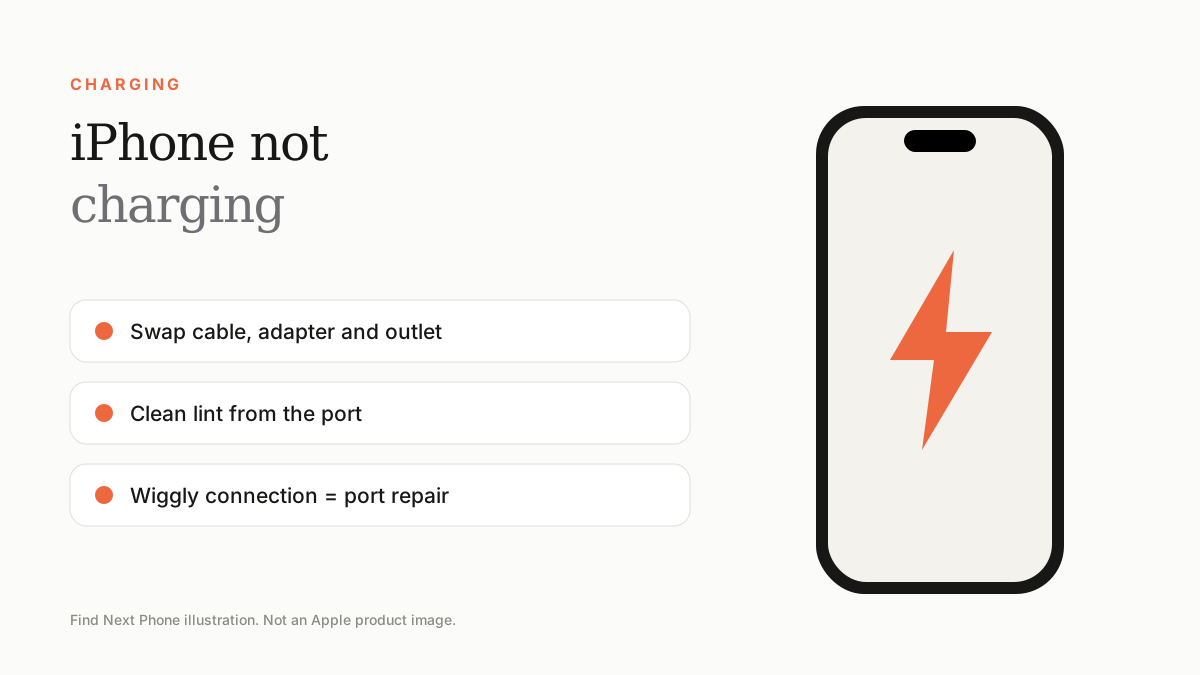
Try another cable, adapter and outlet, clean lint from the port, force restart and update iOS. If it only charges at certain angles or on certain cables, the port likely needs service.
Most charging problems are cheap to fix. Work from the outside in: the cable, then the adapter, then the port, then the software.
Fix it step by step
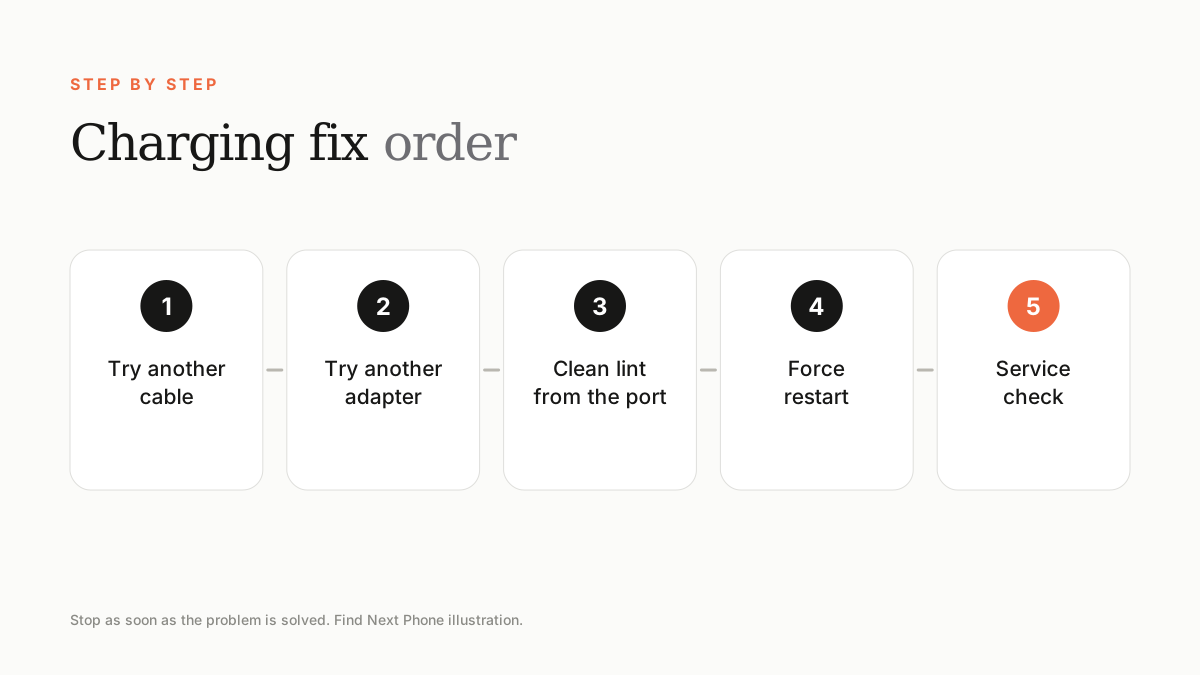
- Try a different cable that you know works, plugged into a different outlet.
- Use an adapter from a reputable brand; weak adapters can charge extremely slowly.
- Look into the port with a torch and gently remove lint with a wooden or plastic toothpick. Never use metal.
- Force restart the phone.
- Update iOS and check the Battery Health screen for messages.
Slow charging
- Use a USB-C power adapter of at least 20W for fast charging on supported models.
- Wireless and MagSafe charging are slower than wired.
- The phone slows charging above 80% to protect the battery when Optimised Battery Charging is on.
- Heat also slows charging.
Signs of a port or battery fault
A cable that has to be wiggled, a loose connection, charging that stops when the phone warms up, or no response from any cable points to a worn port, a damaged battery or logic board. A technician can diagnose it quickly.
Frequently asked questions
Why does my iPhone say 'Not Charging'?
It often means the accessory is not recognised, the port is dirty or the phone is too hot or cold.
Is wireless charging bad for the battery?
Not harmful if the charger is certified, though it generates more heat than wired charging.
Sources
Find Next Phone is an independent retailer. Apple, iPhone and iOS are trademarks of Apple Inc. Illustrations are our own and are not Apple product images.