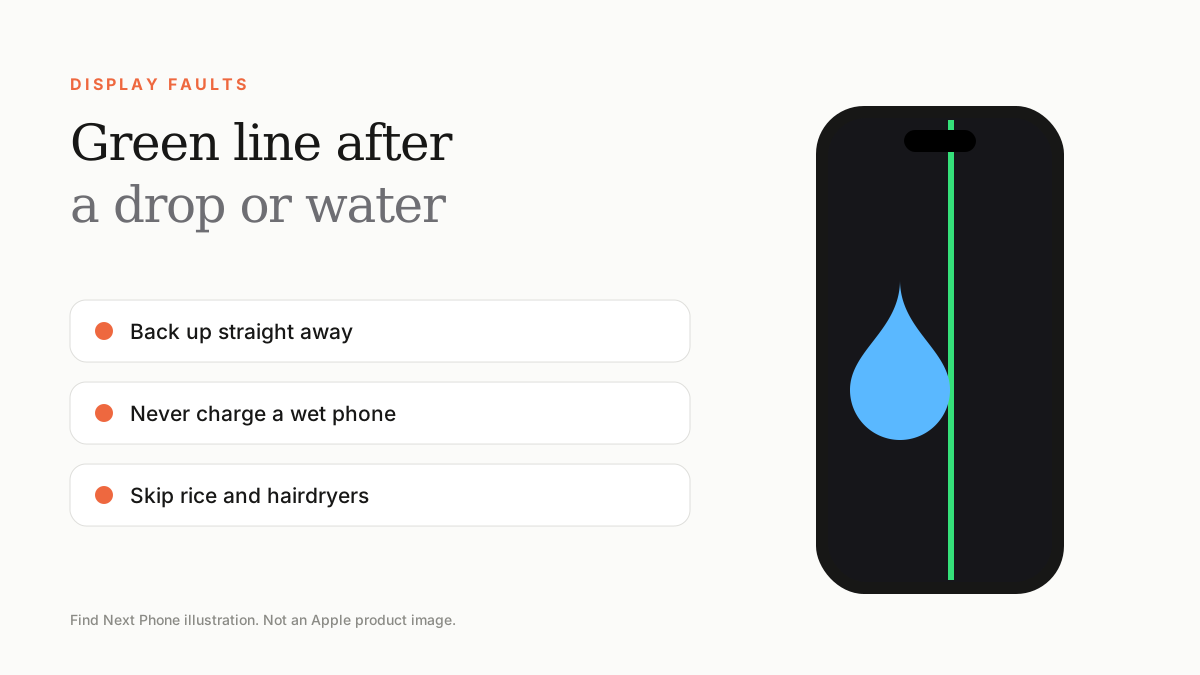
A green line after a drop or water exposure is a physical display fault. Switch the phone off if it got wet, back up, avoid heat or rice, and arrange a professional repair.
When the line shows up straight after the phone hits the floor or goes into the pool, there is little doubt about the cause. What you do in the first hour matters.
After a drop
- Back up the phone straight away to iCloud or a computer.
- Look for hairline cracks on the glass and bent corners on the frame.
- Remove the case to relieve pressure on the frame.
- Book a display and internal inspection — the connector may have loosened as well.
After water or liquid
- Switch the phone off and unplug any cables.
- Dry the outside with a soft cloth and keep the phone upright with the ports facing down.
- Do not charge it, and do not use a hairdryer or put it in rice.
- Wait at least a few hours in a dry, cool place, then get it inspected — corrosion can continue inside even after it seems to work.
Will warranty cover it?
Standard warranty does not cover accidental damage or liquid damage. AppleCare+ can cover accidental damage for a service fee. See our guide to green line warranty and repair options for the full picture.
Protect your next phone
- Use a case with raised edges and a quality screen protector.
- Avoid storing the phone in hot cars.
- Consider repair protection at purchase — Find Next Phone offers Repair Protection and certified-used cover.
Frequently asked questions
Can a green line appear days after a drop?
Yes. Internal damage may only show up after the phone heats up, is pressed or is used heavily.
Should I put my wet iPhone in rice?
No. Rice can leave dust in ports and does not dry the inside. Switch off, keep it dry and get it checked.
Sources
Find Next Phone is an independent retailer. Apple, iPhone and iOS are trademarks of Apple Inc. Illustrations are our own and are not Apple product images.