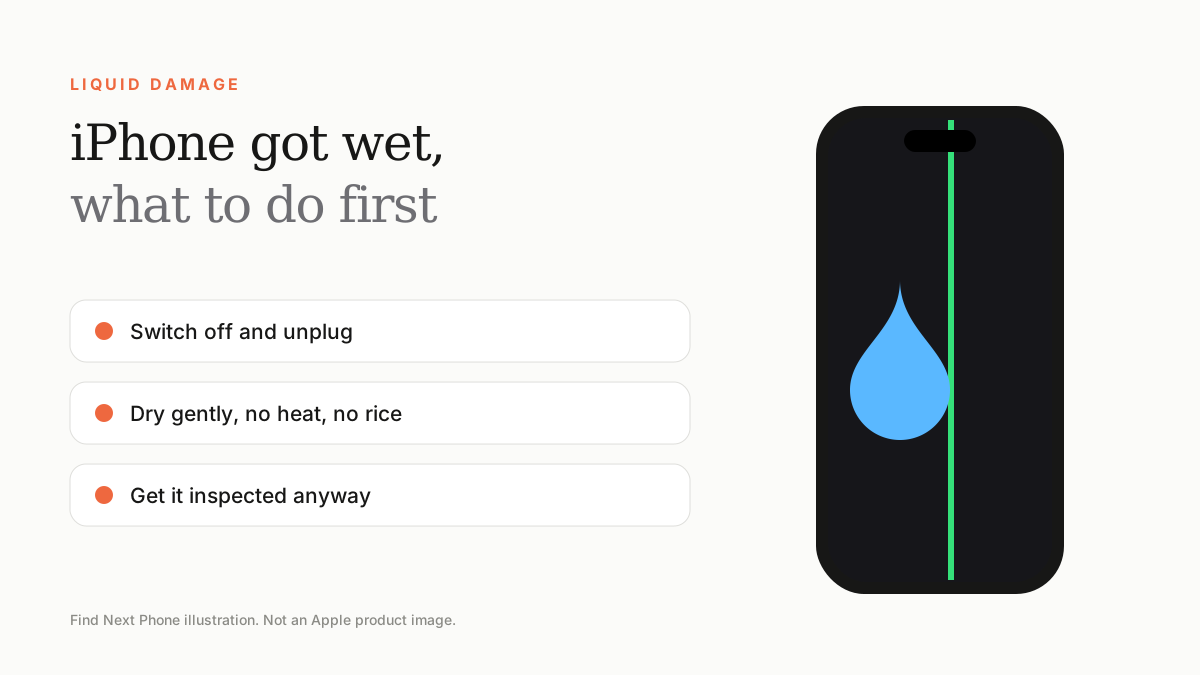
Switch it off, unplug cables, dry the outside, keep it in a dry cool place and don't charge it or use rice or heat. Get it checked even if it works.
Modern iPhones are water-resistant, not waterproof, and seals wear with time. Salt water, pool water and drinks are more damaging than fresh water.
Do this
- Switch the phone off and unplug accessories.
- Wipe the outside with a lint-free cloth.
- Gently tap the phone with the port facing down to remove drops.
- Leave it in a dry, ventilated place with airflow for several hours.
- Book an inspection even if it seems fine.
Don't do this
- Do not charge a wet phone.
- Do not use a hairdryer, oven or direct sun.
- Do not put it in rice — it does not help and can leave particles.
- Do not use compressed air or insert cotton buds into ports.
'Liquid Detected in Lightning/USB-C Connector'
The phone disables charging until the port is dry. Unplug and let it dry in the open air. Emergency override is possible but not recommended for long.
Warranty
Liquid damage is not covered by standard warranty. Accidental damage plans such as AppleCare+ may cover it for a fee. See our green line warranty guide for how to check coverage.
Frequently asked questions
Can corrosion appear later?
Yes. Corrosion can develop for days or weeks, so inspection matters.
Is sea water worse?
Yes. Salt accelerates corrosion, so rinse with fresh water (ports sealed) and get help quickly.
Sources
Find Next Phone is an independent retailer. Apple, iPhone and iOS are trademarks of Apple Inc. Illustrations are our own and are not Apple product images.