Short answer
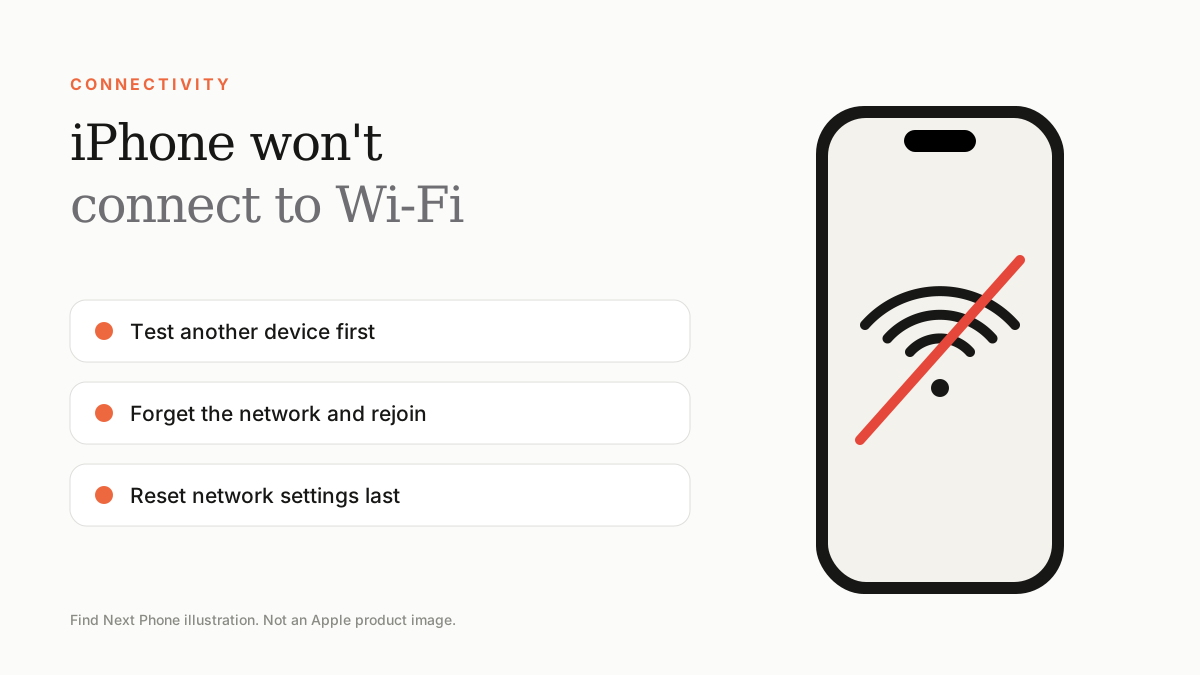
First check whether other devices work on the same Wi-Fi. Then toggle Wi-Fi, forget and rejoin the network, restart the router, update iOS and, as a last step, reset network settings.
Wi-Fi faults are either the router, the network or the phone. Test them in that order.
Fix it step by step
- Check another device on the same network. If it fails too, restart the router.
- Turn Wi-Fi off and on, or toggle Airplane Mode.
- Open Settings › Wi-Fi, tap the info icon next to the network and choose Forget This Network, then rejoin it.
- Restart the iPhone and update iOS.
- Turn off VPN and Private Wi-Fi Address for that network if the router blocks it.
- Go to Settings › General › Transfer or Reset iPhone › Reset › Reset Network Settings. This removes saved Wi-Fi passwords.
Wi-Fi greyed out
A greyed-out Wi-Fi switch after a drop or heat exposure can mean an internal antenna or chip fault. Try a restart and network reset first; if it stays grey, it needs service.
Connected but no internet
- Open a browser and check if a login page appears (hotels and malls use captive portals).
- Change DNS or try another network.
- Check whether your internet provider has an outage.
Frequently asked questions
Why does Wi-Fi disconnect when I lock my iPhone?
Low Power Mode, router power saving or poor signal can cause this. Try a different Wi-Fi band.
Will Reset Network Settings erase my data?
No, it only clears Wi-Fi, Bluetooth, cellular and VPN settings.