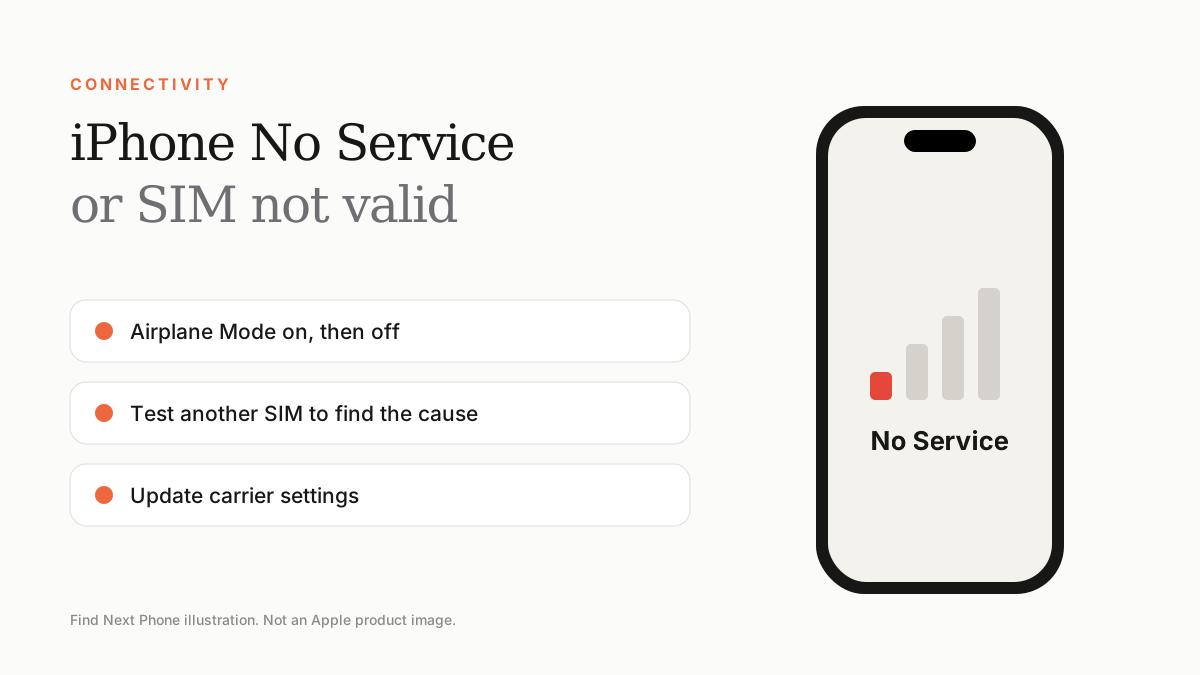
Short answer
Toggle Airplane Mode, restart, check Settings › Cellular, reseat the SIM or re-activate the eSIM, update carrier settings and iOS. If another SIM works, the phone is fine and your carrier needs to fix the line.
Whether you use Etisalat (e&), du or a travel eSIM, signal problems follow the same checklist.
Fix it step by step
- Turn Airplane Mode on for 30 seconds, then off.
- Restart the phone.
- Check Settings › Cellular and make sure your line is turned on and set as the default for data.
- Go to Settings › General › About; if a carrier settings update appears, tap Update.
- Remove the SIM tray, reinsert the SIM and check it isn't bent or dirty.
- For eSIM, ask your carrier to re-issue the QR code or transfer the eSIM again.
- Reset network settings as a last software step.
Phone or carrier?
| Test | Result | Meaning |
|---|---|---|
| Put your SIM in another phone | Fails too | SIM or account issue — contact your carrier |
| Put another SIM in your iPhone | Works | Your original SIM or line is the problem |
| Another SIM also fails | No signal | iPhone antenna or modem — book service |
Imported or locked phones
A phone locked to a foreign carrier or with limited bands may show 'SIM not supported'. Ask the seller to confirm the phone is unlocked and works on UAE networks before you buy.
Frequently asked questions
Why does my iPhone say SOS only?
It cannot reach your carrier but can use other networks for emergency calls. Usually a signal or SIM issue.
Can I use an eSIM and a physical SIM together?
Yes, on dual SIM models, though availability depends on the model and region.