Short answer
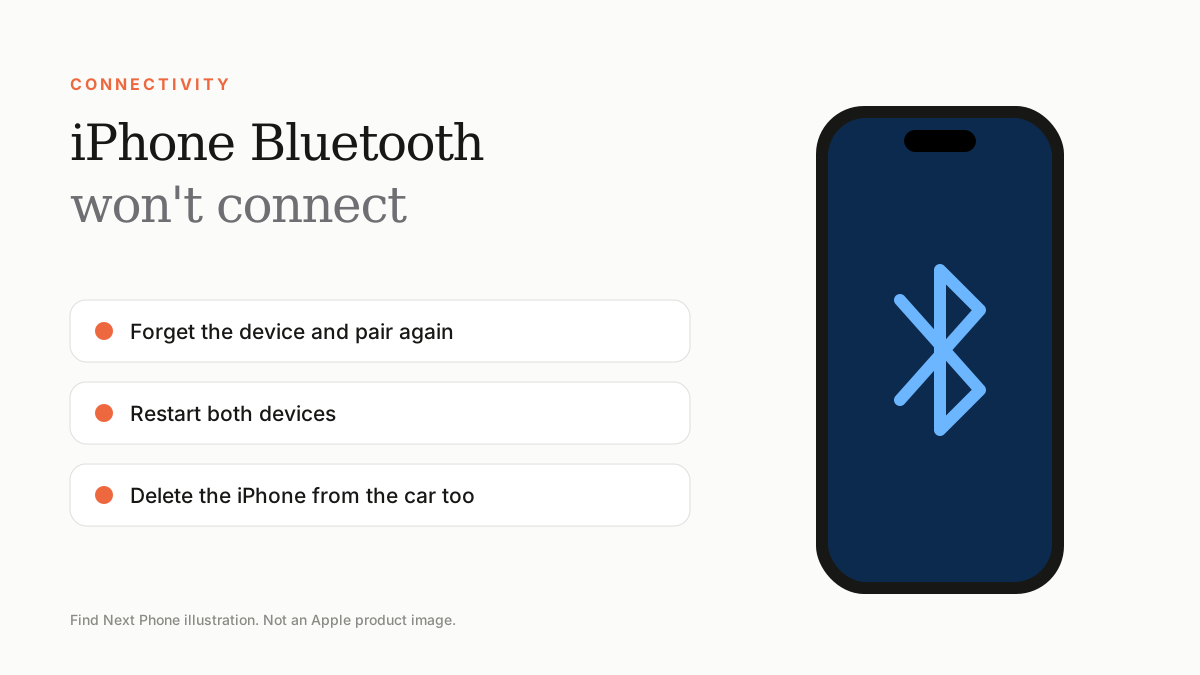
Turn Bluetooth off and on, restart both devices, forget the accessory and pair it again. If many accessories fail, update iOS and reset network settings.
Bluetooth problems usually involve a stale pairing. A fresh pairing normally cures it.
Fix it step by step
- Make sure the accessory is charged, on and in pairing mode.
- Turn Bluetooth off and on from Control Center.
- Restart the iPhone and the accessory.
- Go to Settings › Bluetooth, tap the info icon beside the device and choose Forget This Device, then pair again.
- Update iOS and the accessory's firmware.
- If several devices fail, reset network settings (Settings › General › Transfer or Reset iPhone › Reset).
In the car
Delete the iPhone from the car's list as well as the car from the iPhone, then pair again. Some older cars only support a limited number of paired devices.
Audio drops and stutters
- Keep the phone and accessory in line of sight.
- Move away from busy Wi-Fi routers and microwaves.
- Disconnect from other devices the accessory is paired with.
Frequently asked questions
Why does Bluetooth keep turning off by itself?
Software glitches or Low Power Mode can cause it. Update iOS and re-enable it.
Can Bluetooth hardware fail?
Rarely. If Bluetooth is greyed out and never turns on, the phone needs a diagnostic.