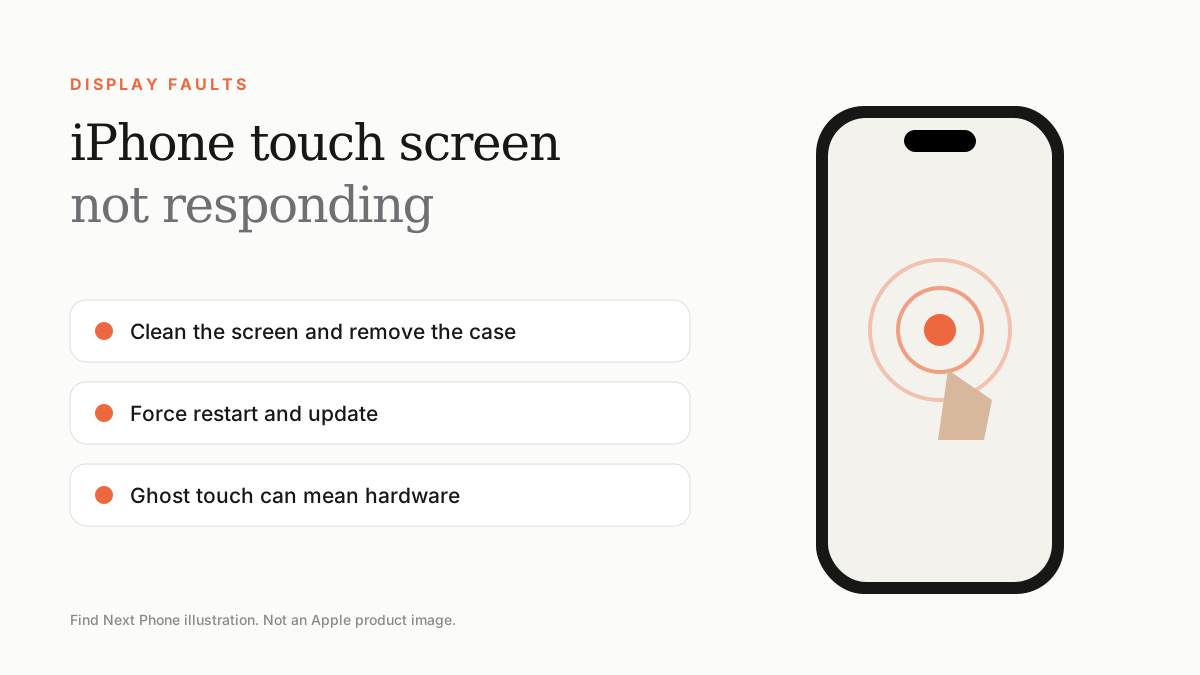
Clean the screen, remove the case and protector, force restart and update iOS. If the screen still ignores touches or taps by itself ('ghost touch'), the digitiser may be damaged and needs a repair.
Touch problems come in two forms: the screen ignores you, or it acts as if someone is touching it. The fixes are similar.
Fix it step by step
- Wipe the screen with a soft, slightly damp microfibre cloth and dry hands.
- Remove the screen protector and any case that presses on the edges.
- Force restart the iPhone.
- Update to the latest iOS in Settings › General › Software Update (use a computer if the screen is too unresponsive).
- Check Settings › Accessibility › Touch for options such as Touch Accommodations that change how touches are read.
- If the problem persists, back up and restore the phone.
Ghost touch
If the phone opens apps, types or scrolls on its own, heat, a cracked screen, a poor-quality charger or a non-genuine replacement display may be responsible. Try a different charger and cool the phone down first. If it persists, repair is needed.
Only part of the screen fails
A dead strip or zone — for example the bottom edge or one corner — suggests damage to the digitiser layer or the connector. It often follows a drop. A technician can confirm this with a diagnostic.
Use the phone while waiting for repair
- Turn on AssistiveTouch (Settings › Accessibility › Touch) for an on-screen button.
- Use Voice Control or Siri to navigate.
- Back up before the fault gets worse.
Frequently asked questions
Why does my iPhone touch screen stop working when charging?
Poor-quality or damaged chargers can cause electrical noise that disrupts touch. Try an original or certified accessory.
Can a screen protector stop touch from working?
Yes, if it is thick, misaligned or has trapped dust or bubbles.