Short answer
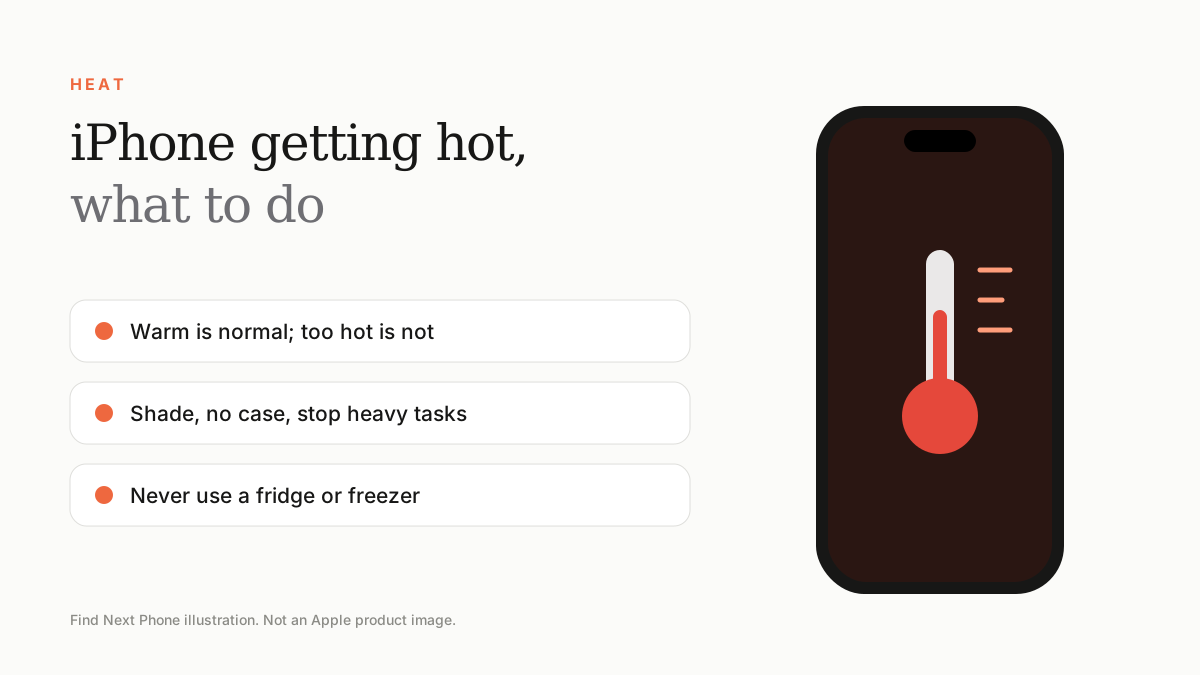
Warmth during charging, gaming and setup is normal. If the iPhone shows a temperature warning, take it out of the sun, remove the case, stop heavy tasks and let it cool in a shaded place. Never use a fridge or freezer.
The UAE heat makes overheating more common. Knowing what is normal helps you avoid damaging the battery.
What's normal
- Warm while charging, especially wirelessly.
- Warm after a big update, a restore or a new-phone transfer.
- Warm during gaming, navigation or long video recording.
Cool it down safely
- Move the phone out of direct sunlight, away from a car dashboard or hot surface.
- Remove the case and unplug the charger.
- Close demanding apps and turn on Airplane Mode for a few minutes.
- Turn on Low Power Mode and lower brightness.
- Wait until it feels comfortable before using it again.
Causes that need fixing
- A misbehaving app running in the background.
- Poor signal forcing the cellular radios to work hard.
- A third-party charger or cable.
- Software bugs right after an update.
- A degraded or swollen battery.
When to get help
If the phone gets hot at idle, shuts down by itself, bulges or smells, stop using it and contact Apple or a repairer. A swollen battery is a safety issue.
Frequently asked questions
Is it OK to charge my iPhone in the car?
Yes, with a quality charger, but keep the phone out of direct sun and off a hot mount.
Does overheating damage the battery?
Repeated heat can age the battery faster, which is why iOS limits charging when it gets hot.