Short answer
Make sure you have internet, iMessage is switched on, your Apple ID and phone number are selected under Send & Receive, and that the other person also uses iMessage. Toggle iMessage off and on, and restart.
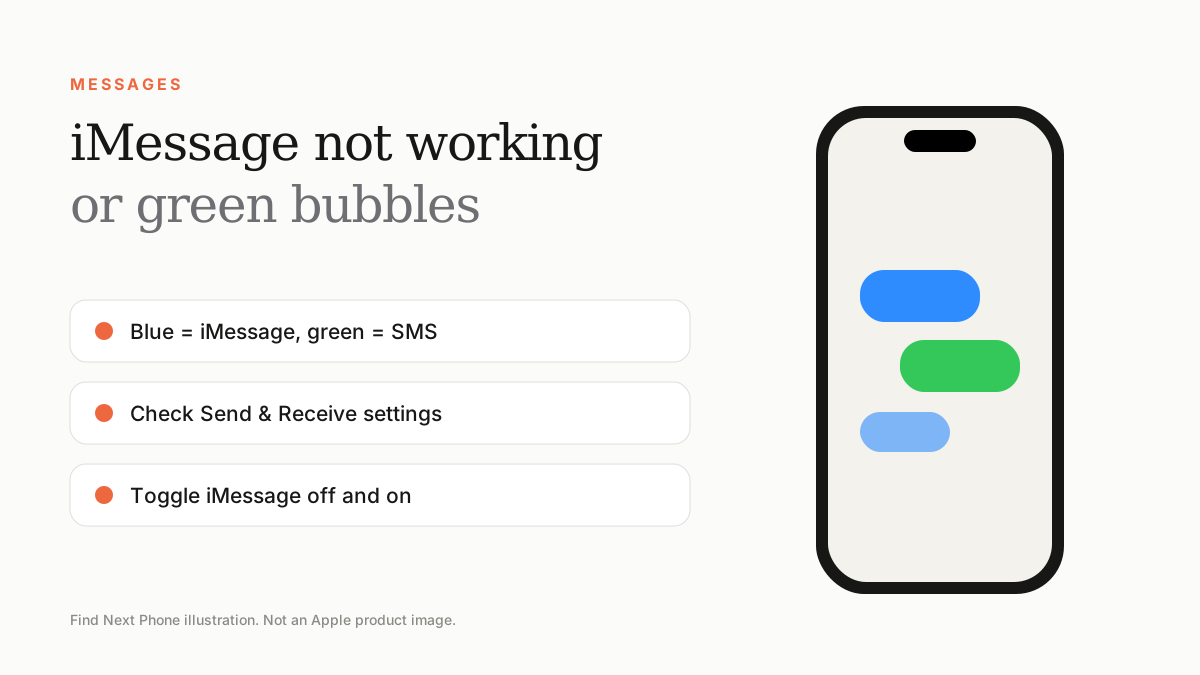
Blue bubbles are iMessage over the internet. Green bubbles are SMS or MMS.
Fix it step by step
- Check you have Wi-Fi or mobile data.
- Go to Settings › Messages and make sure iMessage is on.
- Tap Send & Receive and confirm your Apple ID and phone number are ticked.
- Turn iMessage off, restart the phone, then turn it back on.
- Update iOS and carrier settings.
- If the status is 'Waiting for Activation', check the SIM, date and time and sign out and in of your Apple ID.
Why bubbles turn green
- The recipient switched to Android or turned iMessage off.
- Your internet connection dropped.
- iMessage is deactivated on your phone.
- The recipient's phone is off or out of coverage.
After moving to a new iPhone
Make sure your number is activated on the new phone and deregister iMessage on the old one if you changed to a non-Apple phone.
Frequently asked questions
Can I use iMessage without a SIM?
Yes, with an Apple ID and Wi-Fi.
Do iMessages use mobile data?
Yes, unless you're on Wi-Fi.