Short answer
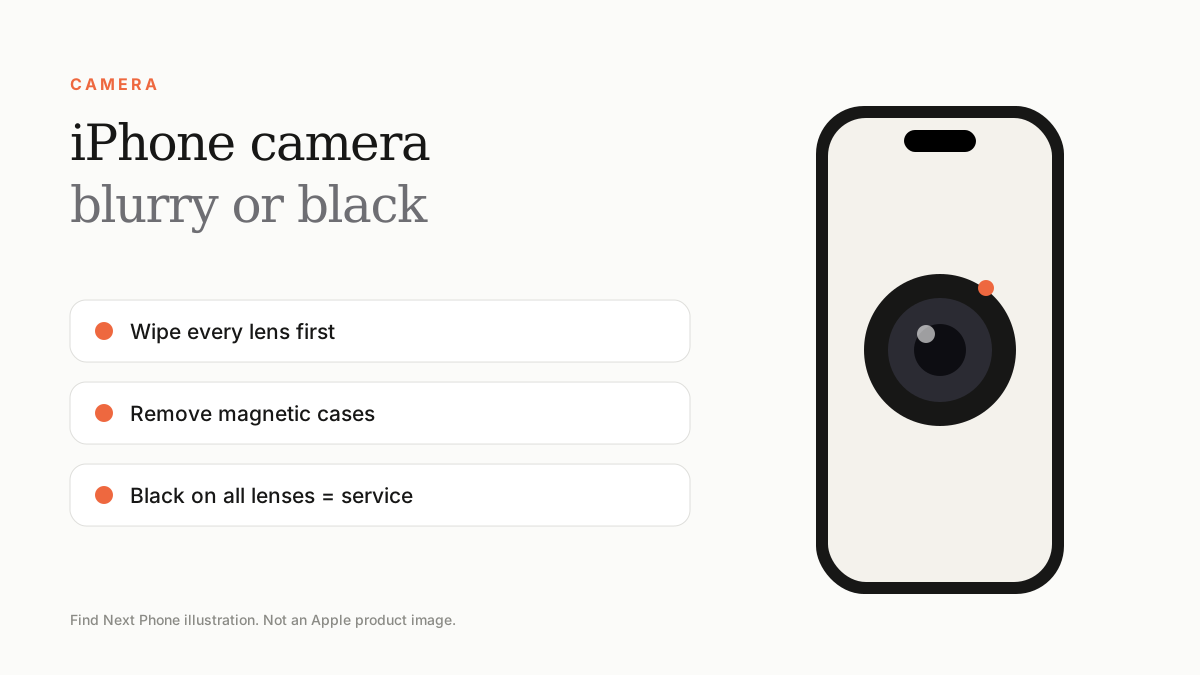
Wipe the lens, remove the case and any magnetic accessory, force quit the Camera app and restart. If photos are still blurry or the camera is black, update iOS and get the camera inspected.
Camera problems often have simple causes: a smudge, a case, a magnetic mount or a glitch.
Fix it step by step
- Wipe all camera lenses with a clean microfibre cloth.
- Take the phone out of its case, especially cases with metal plates or magnets that can disturb stabilisation.
- Close the Camera app and restart the phone.
- Switch between rear, front and different lenses to isolate which one fails.
- Update iOS and test the camera in Settings › Camera.
Blurry or shaky photos
- Hold the phone still and tap to focus.
- Avoid mounting on motorbike handlebars — vibrations can damage optical stabilisation.
- Clean the lens cover; condensation can cloud it when moving from a cold place to heat.
- Check macro mode when close to subjects.
Black screen in Camera
If the Camera app shows black, switch cameras and restart. A black screen on all cameras, a rattling sound or a shaking image points to hardware damage. This is more likely after a drop.
Frequently asked questions
Can a magnetic case ruin the camera?
Strong magnets can disturb optical stabilisation or autofocus. Use MagSafe-certified accessories.
Why is my front camera blurry?
Usually a smudge or a screen protector over the sensor.