Short answer
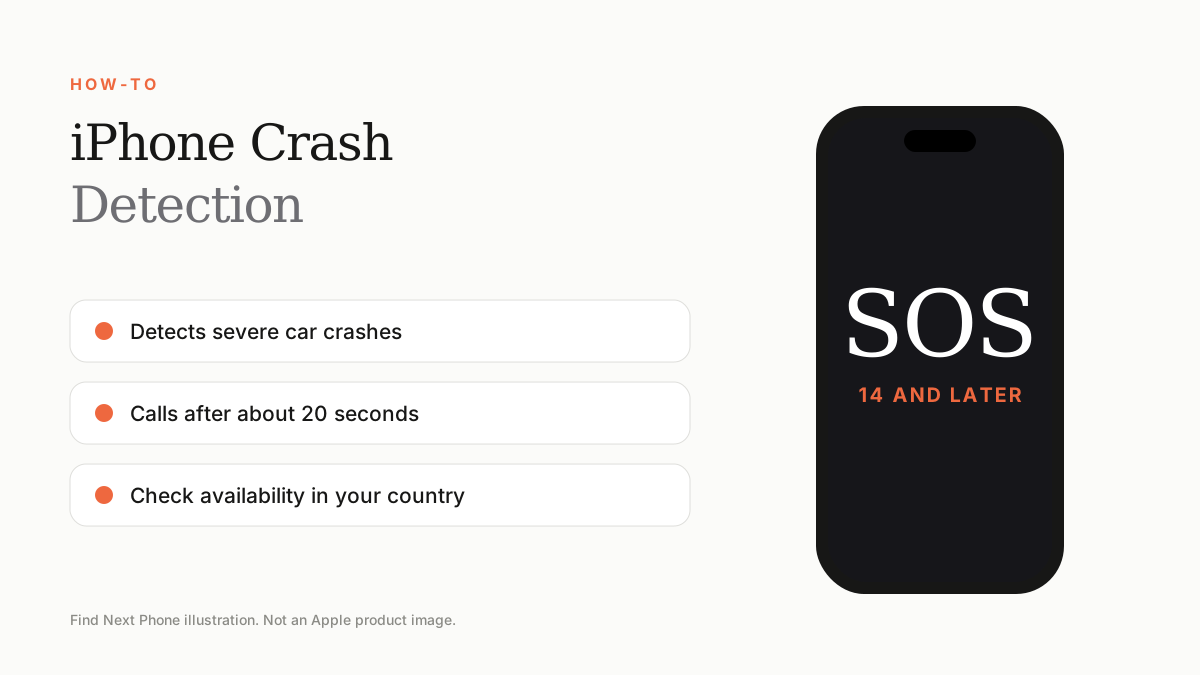
Crash Detection is on iPhone 14 and later. When it senses a severe car crash it alerts you, and if you don't respond within about 20 seconds, it calls emergency services and shares your location.
Crash Detection uses motion sensors, microphones and barometer data to recognise a serious accident.
Turn it on
- Open Settings.
- Tap Emergency SOS.
- Turn on Call After Severe Crash if you want automatic calling.
False alerts
- Rollercoasters and high-impact sports can trigger an alert.
- Dismiss it quickly to cancel the call.
- Keep your emergency contacts up to date.
Availability
Crash Detection and satellite features depend on iPhone model, country and carrier support. Check Apple's support pages for availability in your region.
Frequently asked questions
Does iPhone 13 have Crash Detection?
No. It starts with iPhone 14.
Does it use data?
It can place a call over cellular or Wi-Fi.
Sources
Find Next Phone is an independent retailer. Apple, iPhone and iOS are trademarks of Apple Inc. Illustrations are our own and are not Apple product images.