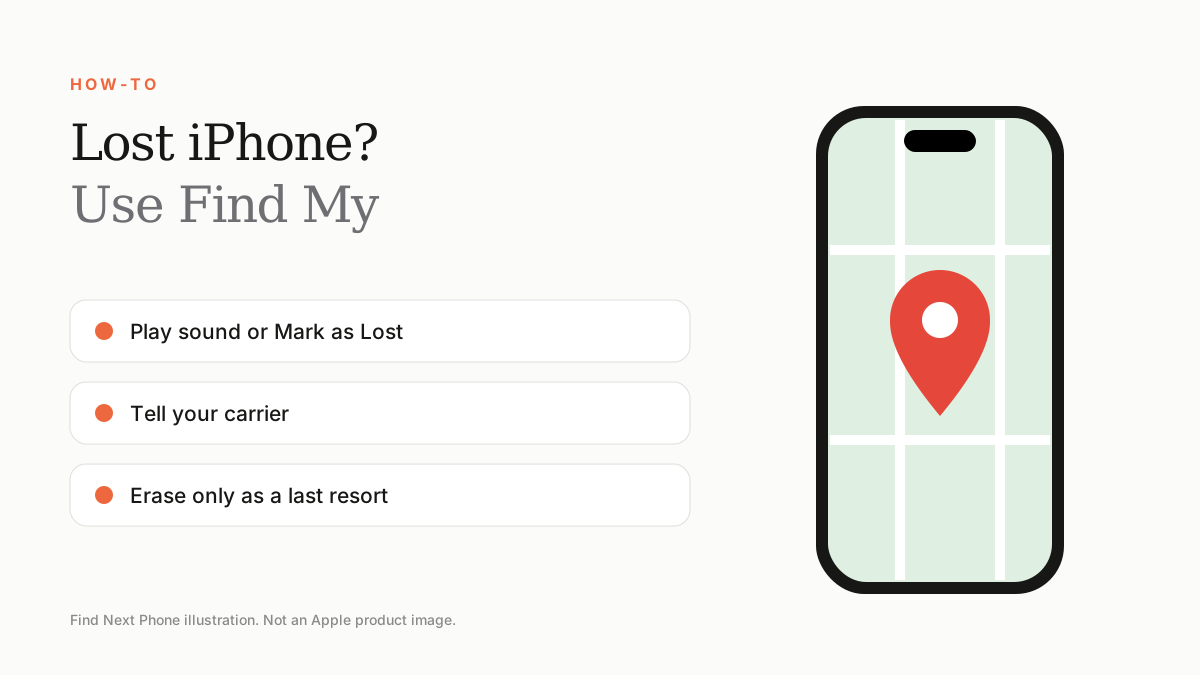
Sign in at icloud.com/find or open Find My on another Apple device, choose your iPhone, play a sound or Mark as Lost. Don't erase it unless you accept you won't get it back. Tell your carrier to block the SIM.
Find My works only if it was turned on before the phone went missing. Turn it on now if you haven't.
What to do straight away
- Open Find My on another Apple device or sign in at icloud.com/find.
- Select your iPhone and see its last known location.
- Play a sound if you think it's nearby.
- Choose Mark as Lost to lock it and show a message and phone number on the screen.
- Contact your carrier to suspend the SIM or eSIM.
- Report a theft to the police if it was stolen.
Erase only as a last resort
Erasing removes your data but also removes the ability to track the phone. Activation Lock stays on and stops anyone else using it.
Turn Find My on now
- Go to Settings › your name › Find My › Find My iPhone.
- Turn on Find My Network and Send Last Location.
- Keep a note of the serial number and IMEI.
Change your passwords
Change your Apple ID password and those of banking and email accounts if the phone is stolen and had saved logins.
Frequently asked questions
Can I track a phone that is switched off?
On newer iPhones with Find My network enabled, you may still see its last known location.
What if the thief turns off Find My?
They'd need your Apple ID password, which is why a strong passcode and password matter.
Sources
Find Next Phone is an independent retailer. Apple, iPhone and iOS are trademarks of Apple Inc. Illustrations are our own and are not Apple product images.