Short answer
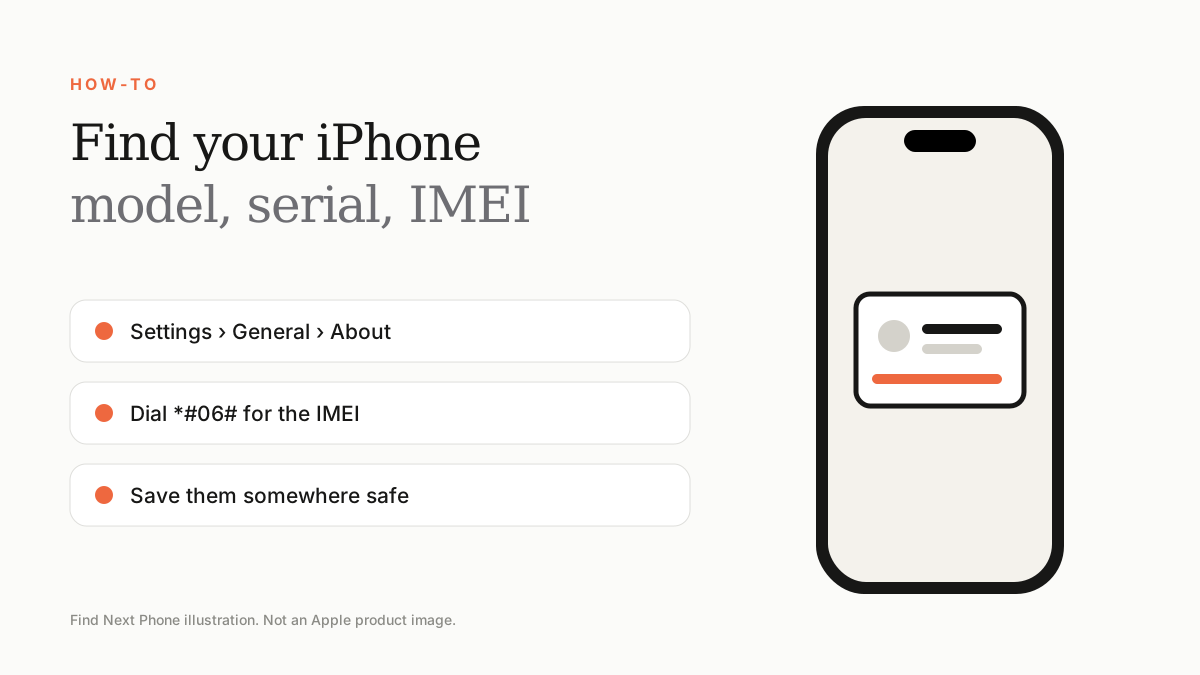
Open Settings › General › About. You'll see the model name, model number, serial number and IMEI. Dial *#06# to see the IMEI at any time.
You need these details for warranty checks, trade-ins, repairs, insurance and when reporting a lost phone.
Where to look
| Detail | Where to find it |
|---|---|
| Model name | Settings › General › About |
| Model number | About screen (tap to see the full number) |
| Serial number | About screen, SIM tray area or the box |
| IMEI | About screen, dial *#06#, or on the SIM tray |
If the phone won't turn on
- Check the original box label.
- Check your Apple ID account on a browser or another Apple device.
- Look at the SIM tray or the back of older iPhones.
- Check your receipt or invoice.
Why they matter
- Trade-in estimates and warranty checks use the serial number.
- Carriers use the IMEI to block lost or stolen phones.
- Repair centres use them to find the correct parts.
Frequently asked questions
Is the IMEI the same as the serial number?
No. The IMEI identifies the phone on cellular networks; the serial identifies the hardware for Apple.
Do dual-SIM iPhones have two IMEIs?
Yes, one per SIM slot or eSIM.