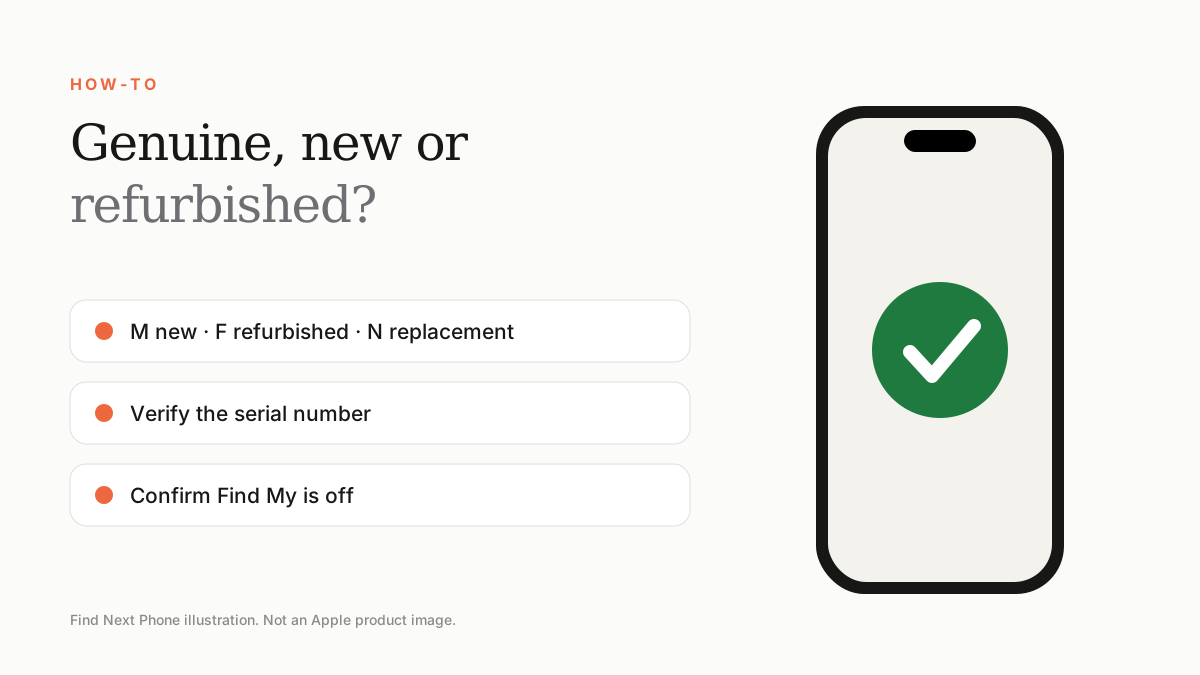
In Settings › General › About, look at the Model Number: M means brand new, F means refurbished, N means a replacement and P means personalised. Then check serial number, parts history and Find My status.
The model number is a quick tell for a phone's history. Combine it with other checks for a confident decision.
Decode the model number
| First letter | Meaning |
|---|---|
| M | Brand-new retail unit |
| F | Refurbished |
| N | Replacement unit given under a service |
| P | Personalised, for example engraved |
More checks
- Compare the serial number on the phone, in Settings and on the box.
- Check the serial on Apple's Check Coverage page.
- Open Settings › General › About › Parts and Service History if shown.
- Confirm Find My iPhone and Activation Lock are off and the phone is signed out.
- Test the display, battery health, cameras, Face ID and buttons.
Red flags for fake phones
- No Settings › General › About information that matches Apple's format.
- iOS that looks off or comes with unusual preinstalled apps.
- Extremely low price compared with the market.
- Seller refuses to show the serial number or let you test.
The safer route
Buy from a retailer that guarantees genuine devices and gives clear grades. Our certified-used checklist walks through everything to confirm.
Frequently asked questions
Is a refurbished iPhone bad?
No. A good refurbished iPhone can be excellent value if tested and covered.
Can the model number be faked?
It can be misleading on fakes, so combine it with the serial number and coverage check.
Sources
Find Next Phone is an independent retailer. Apple, iPhone and iOS are trademarks of Apple Inc. Illustrations are our own and are not Apple product images.