Short answer
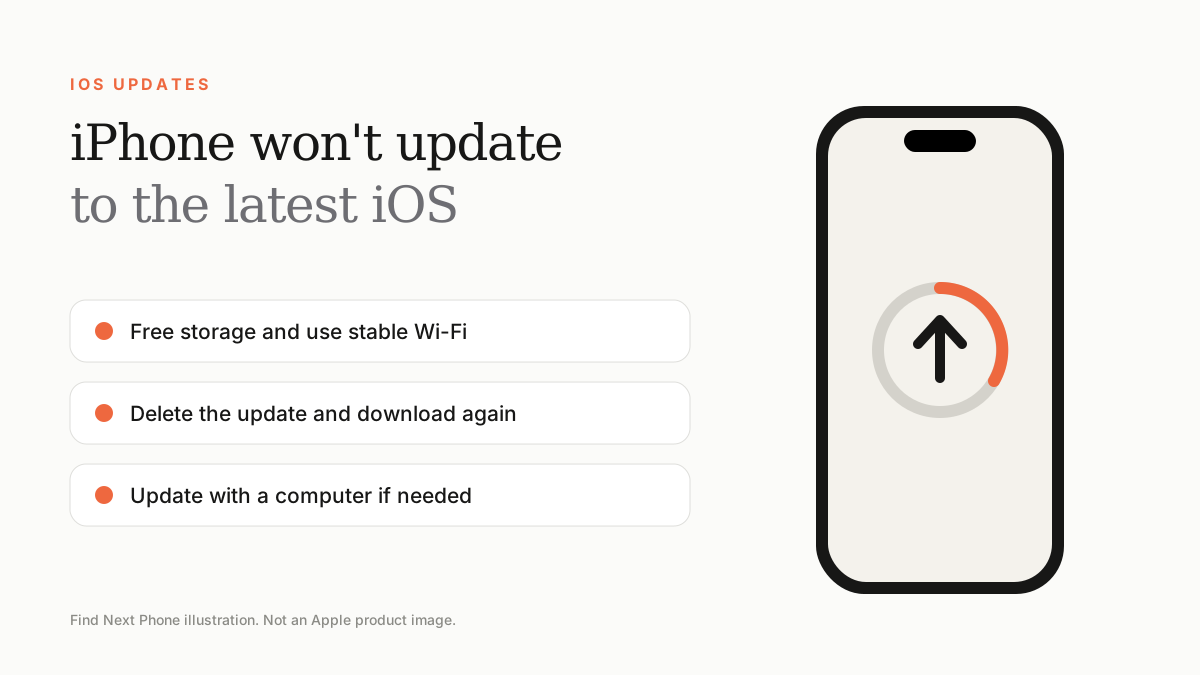
Make sure the phone is compatible, has enough free storage, is charging and on stable Wi-Fi. Restart, delete the downloaded update, try again, or update through a computer.
Updates fail for predictable reasons: space, Wi-Fi, battery or a corrupt download.
Fix it step by step
- Check Settings › General › Software Update to see if your model is supported.
- Free at least 5–10GB under Settings › General › iPhone Storage.
- Connect to power and stable Wi-Fi.
- Restart the phone and try again.
- Delete the downloaded update in iPhone Storage, then download it again.
- Update using a Mac or PC through Finder or the Apple Devices app.
Common messages
| Message | What to do |
|---|---|
| Unable to Verify Update | Check Wi-Fi, restart and delete then redownload the update |
| Not Enough Storage | Free space or update through a computer |
| Software Update Failed | Try later or update with a computer |
| Checking for Update never ends | Reset network settings and retry |
Before you update
- Back up to iCloud or a computer.
- Know your Apple ID password.
- Update apps first if they are very old.
Frequently asked questions
Should I update immediately?
Security updates are worth installing quickly. For major releases, many people wait for the first bug-fix update.
Can I go back to an older iOS?
Only for a short time when Apple still signs the older version.