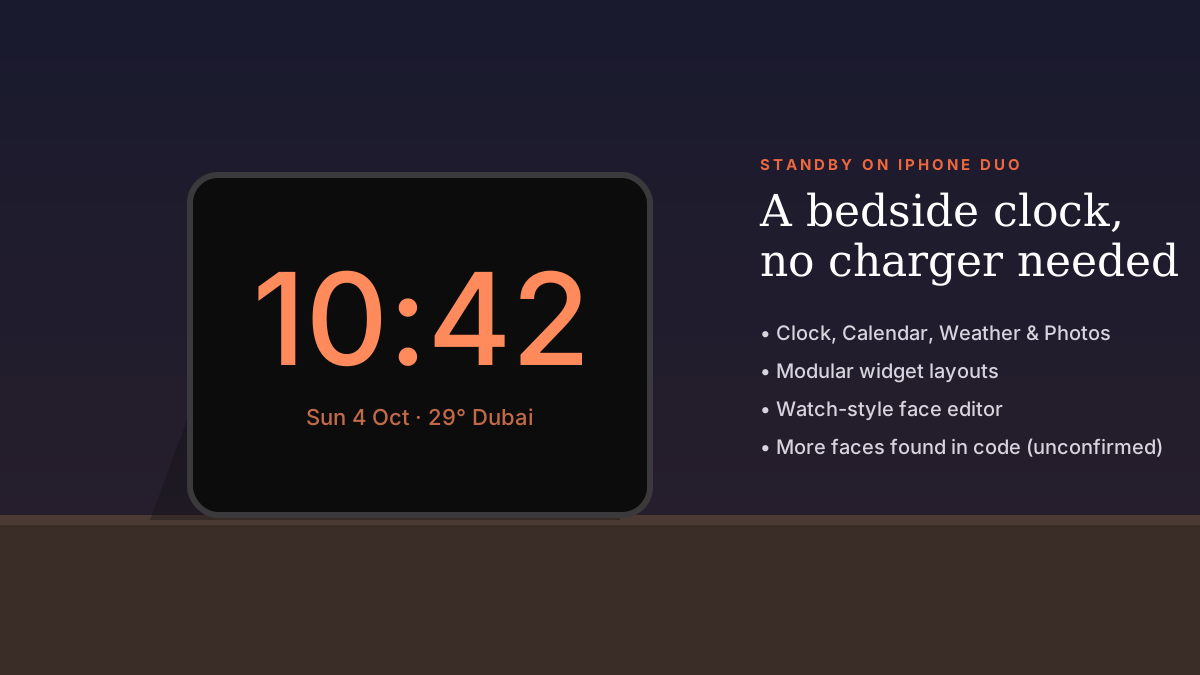
Yes. StandBy on iPhone Duo works on either display without charging, and reports say you will be able to pick which poses — such as standing or seated — trigger it, so it doesn't take over the screen when you don't want it to.
StandBy has been one of the most quietly loved iPhone features since iOS 17. On iPhone Duo it gets its biggest upgrade yet. Because the phone can stand on its own like a tent or sit half-open like a laptop, it no longer needs a charging stand to become a bedside clock.
That raises an obvious question: what if you set the phone down to watch a video and StandBy takes over? The answer is pose control.
What Apple has confirmed
- Setting iPhone Duo down triggers StandBy on whichever display faces up.
- It works even when the phone isn't charging.
- It can act as a clock, a photo frame, or show weather, calendar and widgets.
- StandBy faces include Clock, Modular, Calendar and Weather options.
Choosing which poses enter StandBy
Reports covering iOS 27.1 indicate that iPhone Duo will let you choose which positions automatically switch to StandBy. In practice, that means you could allow StandBy when the phone stands like a tent on your nightstand, but keep it off in the seated laptop-style pose you use for video calls and films.
Apple has not yet published a full guide to this setting. We'll update this article once the phone ships on 23 October and the final iOS 27.1 behaviour is confirmed.
A watch-style face editor
Code found in iOS 27.1 points to a new StandBy editor that works like the Apple Watch face editor: swipe to change clock style, numerals, colours, hands and light or dark appearance. Some faces support two widgets.
Digital faces reportedly have five layouts — StandBy, Stacked, Top, Middle and Bottom — with the last four likely designed for when the phone is open like a book.
Five faces Apple hasn't announced yet
- Home Camera — show one security camera feed or a grid of up to nine.
- Home Modular — believed to control smart-home accessories.
- Flow — appears to use animated 'responsive art'.
- Fade
- Snoopy
Why it matters
With StandBy-anywhere and Home Camera, iPhone Duo starts to look like a portable smart display. Put it on a desk during a meeting as a clock and calendar, then on your nightstand as a dimmed bedside clock — no stand or cable needed.
Frequently asked questions
Does iPhone Duo need to be charging for StandBy?
No. Unlike other iPhones, iPhone Duo can enter StandBy without being connected to power.
Can I stop StandBy turning on in certain positions?
Reports indicate you will be able to choose which poses trigger StandBy. Check Settings › StandBy once you have the phone.
Will regular iPhones get the new StandBy faces?
Apple hasn't said. The pose-based behaviour is specific to iPhone Duo's folding design.
Sources
- MacRumors: How iOS 27 adapts to iPhone Duo
- AppleInsider: iPhone Duo StandBy features found in code
- Apple: iPhone Duo
- MacRumors: iPhone Duo StandBy leak
Find Next Phone is an independent retailer. Apple, iPhone and iOS are trademarks of Apple Inc. Illustrations are our own and are not Apple product images.