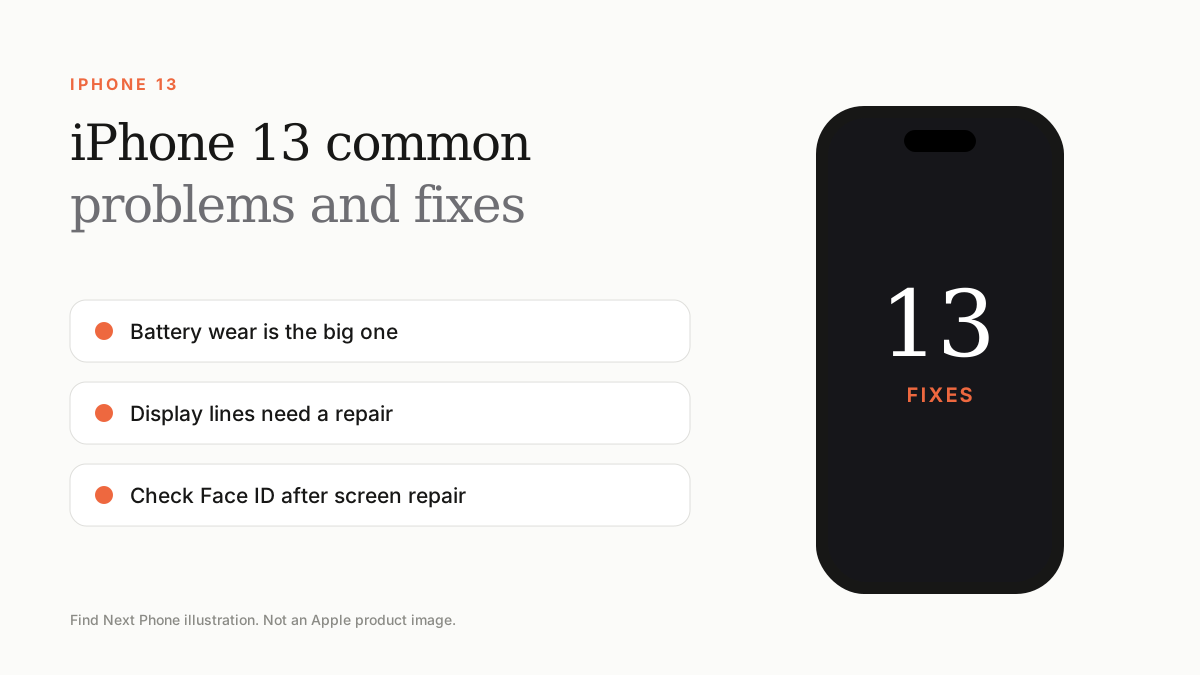
The most common iPhone 13 problems today are ageing batteries, display faults such as lines, Face ID that stops working after a non-genuine screen repair, and slow charging from worn cables.
By now every iPhone 13 has years of use behind it, so most problems are about wear. Here is what to look for and how to fix it.
1. Battery drains quickly
After years of charging, capacity falls. Check Settings › Battery › Battery Health & Charging. If it is near 80% or lower, a battery replacement brings back all-day life. Try our battery drain fixes first.
2. Green or pink lines on the display
Lines usually mean display hardware wear or damage from a drop. Use the screenshot test in our green line guide; if the line is not in the screenshot, it needs a display repair.
3. Face ID stops working after a screen repair
Some owners reported Face ID problems after the display was replaced by a non-authorised repairer. Ask the repairer to confirm Face ID works before you leave.
4. Slow or unreliable charging
Clean lint from the Lightning port, try a different cable and adapter, and check Optimised Battery Charging. See our not charging guide for the steps.
5. Storage always full
128GB fills quickly with photos and videos. Optimise photos with iCloud and offload unused apps.
Quick checks when buying a used iPhone 13
- Check battery health.
- Test the display with solid colours.
- Check Face ID and both cameras.
- Look at Parts and Service History in Settings › General › About.
- Confirm Activation Lock is off.
Frequently asked questions
Is iPhone 13 overheating normal?
Warmth during charging and gaming is normal. See our overheating guide if it gets uncomfortable.
How much is an iPhone 13 battery replacement?
Prices vary by provider; ask for a written quote.