Short answer
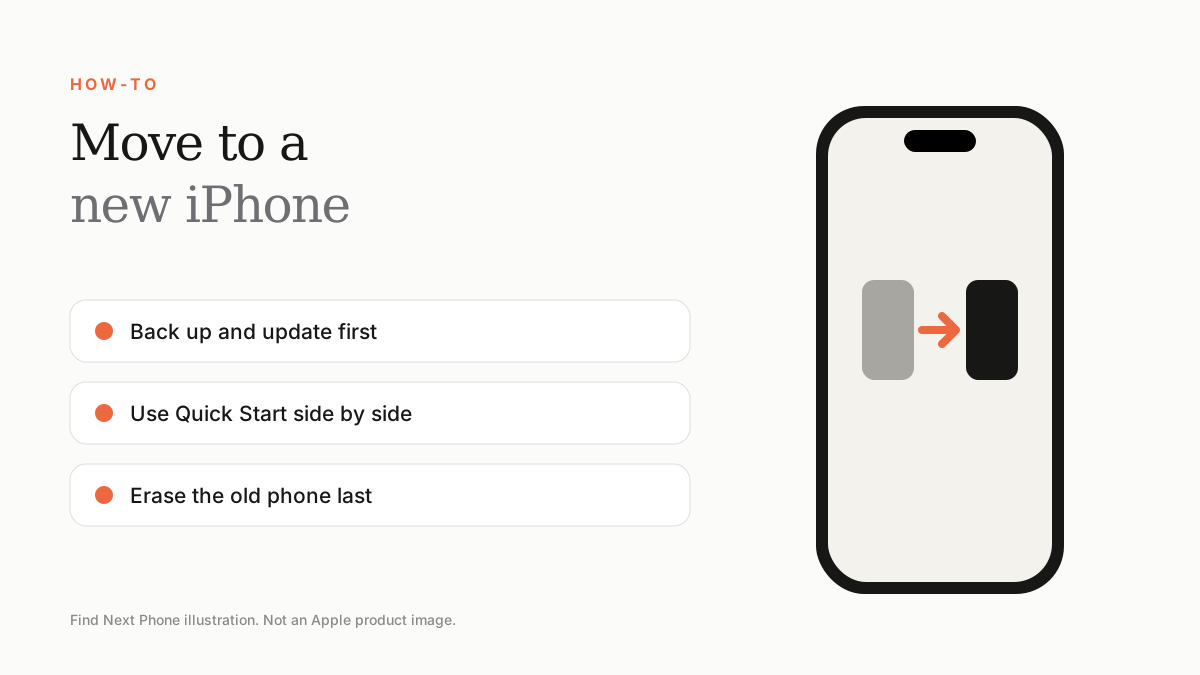
Place the old and new iPhones side by side, use Quick Start and choose Transfer from iPhone. Keep both on power and Wi-Fi. Back up first, and don't erase the old phone until you've checked everything.
Switching iPhones is easier than ever. A little preparation avoids the usual surprises.
Before you start
- Update the old iPhone to the latest iOS.
- Back it up to iCloud or a computer.
- Know your Apple ID password and have your SIM or eSIM details ready.
- Charge both phones.
Quick Start transfer
- Turn on the new iPhone and place it next to the old one.
- Tap Continue on the old iPhone and scan the animation with the new one.
- Follow the prompts, enter the passcode and choose Transfer from iPhone.
- Keep both phones close and plugged in until the transfer ends.
Don't forget
- Move or activate your eSIM or SIM.
- Check WhatsApp and banking apps; some need re-verification.
- Re-pair Apple Watch and Bluetooth accessories.
- Sign into Apple Pay cards again if requested.
After the transfer
Once everything works, sign out of iCloud and erase the old phone before trading it in. Use our trade-in estimator to see what it is worth.
Frequently asked questions
How long does transfer take?
Anywhere from 15 minutes to a couple of hours depending on data and connection.
Does the transfer include my apps?
Yes, apps re-download from the App Store with your data.
Sources
Find Next Phone is an independent retailer. Apple, iPhone and iOS are trademarks of Apple Inc. Illustrations are our own and are not Apple product images.