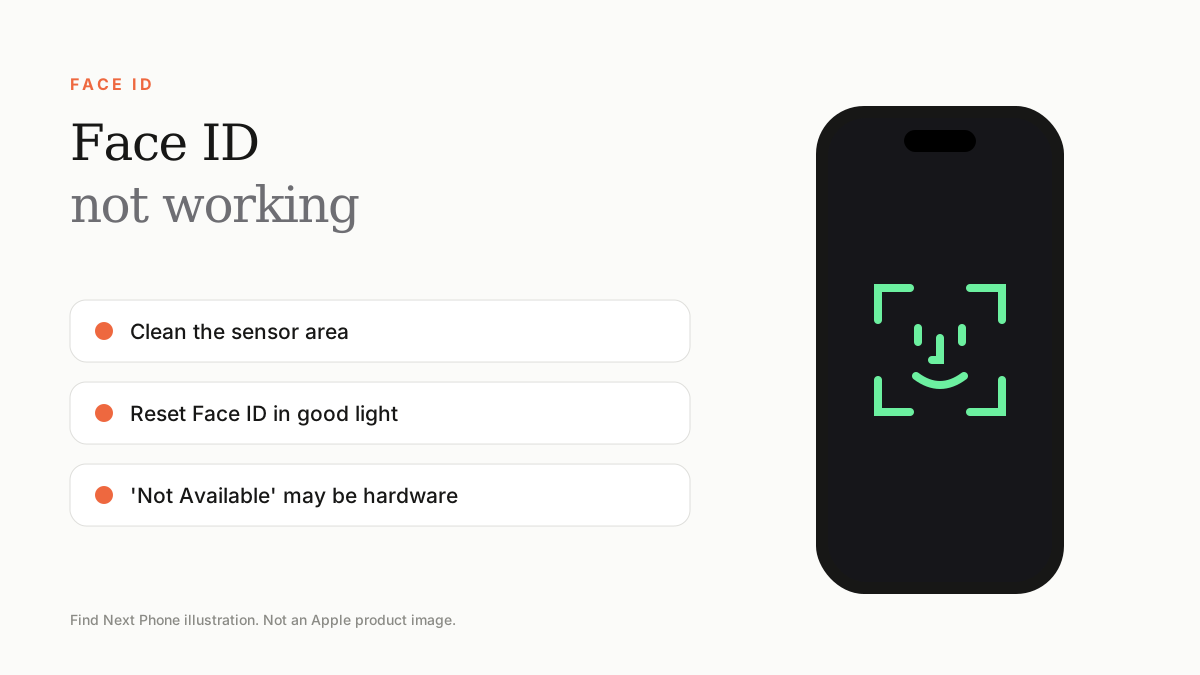
Clean the sensor area at the top, remove covering screen protectors, restart, update iOS and reset Face ID. If 'Face ID is Not Available' persists, the TrueDepth hardware may need repair.
Face ID relies on sensors at the top of the display. Dirt, misalignment and software bugs can all stop it working.
Fix it step by step
- Make sure your face and the top of the iPhone are clean and unobstructed.
- Hold the phone at arm's length, about 25–50cm away, and look at it directly.
- Restart the iPhone and update iOS.
- Check Settings › Face ID & Passcode and make sure Face ID is enabled for iPhone Unlock.
- Tap Reset Face ID and set it up again in even lighting.
- Turn off 'Require Attention for Face ID' if you wear sunglasses or a mask that blocks recognition.
'Face ID is Not Available'
This message appears when the TrueDepth camera can't work. It often follows a drop, water damage or a screen replacement that disturbed the sensor. If restarts and resets don't help, it is hardware.
Protect Face ID
- Choose screen protectors designed for Face ID.
- Keep the area around the notch or Dynamic Island clean.
- After a screen repair, make sure Face ID still works before leaving the shop.
Frequently asked questions
Can Face ID work in the dark?
Yes, it uses infrared and works in the dark.
Why did Face ID stop after a screen replacement?
The sensor module may not have been transferred or recalibrated correctly.
Sources
Find Next Phone is an independent retailer. Apple, iPhone and iOS are trademarks of Apple Inc. Illustrations are our own and are not Apple product images.