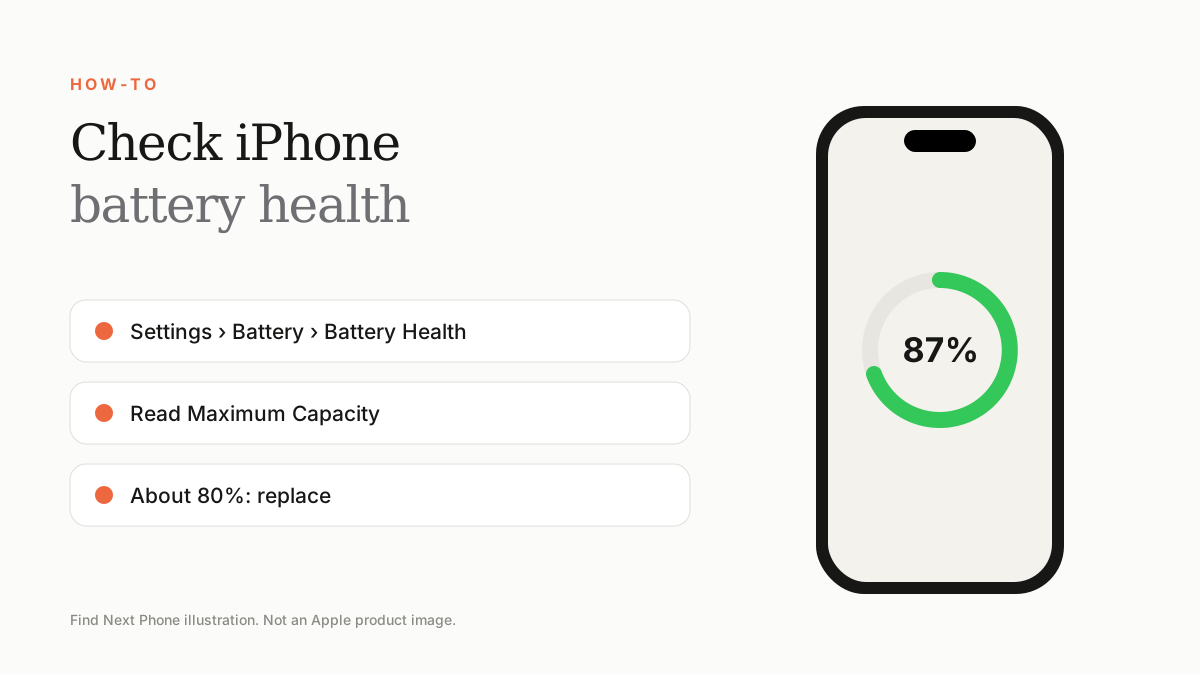
Yes, battery-health percentage matters because it estimates remaining capacity, but it should never be used alone. Also check peak-performance status, cycle count on supported models, actual runtime, unexpected shutdowns, temperature, charging behaviour, replacement-part history and the seller's battery warranty.
Maximum Capacity compares the battery's estimated capacity with when it was new. A lower figure generally means less time between charges, but two phones showing the same percentage can behave differently because usage, temperature, software and battery quality differ.
The number is an estimate calculated by iOS—not a laboratory certificate or proof that the battery is original.
How to interpret the number
| Displayed capacity | Practical interpretation | Buying response |
|---|---|---|
| 90–100% | Usually strong remaining capacity | Still verify parts history, cycles and real runtime |
| 85–89% | Often usable for normal ownership | Price should reflect age; confirm no service warning |
| 80–84% | Noticeably less runtime is possible | Budget for a future battery replacement |
| Below 80% or Service | Battery is significantly aged or service is recommended | Value it as a phone needing battery service |
Why 100% can still require questions
A used phone can show 100% after a battery replacement. That may be positive, but ask who performed the repair, whether iOS identifies the part, whether there is an Unknown Part message and what warranty covers the replacement. A suspiciously perfect number with no repair explanation is not automatically better than an original battery at 88%.
Cycle count adds context
On iPhone 15 and later with supported software, Battery Health can show cycle count, manufacture date and first-use date. Apple says iPhone 14 and earlier batteries are designed to retain 80% capacity at 500 complete cycles under ideal conditions, while iPhone 15 and later batteries are designed for 80% at 1,000 cycles. Actual results vary with use and charging conditions.
Test performance, not only the screenshot
- Open Battery Health yourself rather than accepting a seller's screenshot.
- Check for a service recommendation and peak-performance information.
- Review Battery usage for unexplained background drain.
- Charge with a known-good cable and observe heat and interruptions.
- Use the cameras, mobile data and a demanding app for several minutes and watch for shutdowns or sudden percentage drops.
- Review Parts and Service History and the written battery guarantee.
A fair buying rule
Battery condition should influence price, not automatically cancel the purchase. Compare the device price plus a realistic future replacement cost with a higher-health alternative. For a phone you plan to keep several years, a documented genuine replacement or strong battery warranty can matter more than a few percentage points.
Frequently asked questions
Is 85% battery health good enough?
It can be acceptable for a used phone when runtime is stable, there is no service warning and the price and warranty reflect the battery's age.
Should I always choose the phone showing 100%?
No. Confirm whether the battery was replaced, who performed the work and what Parts and Service History reports.
When should I replace the battery?
Consider service when iOS recommends it, runtime no longer meets your needs, or the phone has shutdown or performance problems linked to battery condition.
Sources
- Apple: Battery and performance on iPhone 11 and later
- Apple: iPhone battery and performance
- Apple: iPhone parts and service history
- Apple: If you want to buy a pre-owned iPhone
Find Next Phone is an independent retailer. Apple, iPhone and iOS are trademarks of Apple Inc. Illustrations are our own and are not Apple product images.