Open Settings › General › About. The Carrier Lock or Network Provider Lock field should say “No SIM restrictions”. Only the original carrier—not Apple or a third-party seller—can officially unlock a locked iPhone.
A phone can be Activation Lock-free and still be locked to a mobile carrier. These are separate checks. Carrier lock matters especially on imported devices originally sold with a contract or instalment plan.
Three-step lock check
- Open Settings › General › About and find Carrier Lock or Network Provider Lock.
- Confirm it says “No SIM restrictions”; photograph the result for the purchase record.
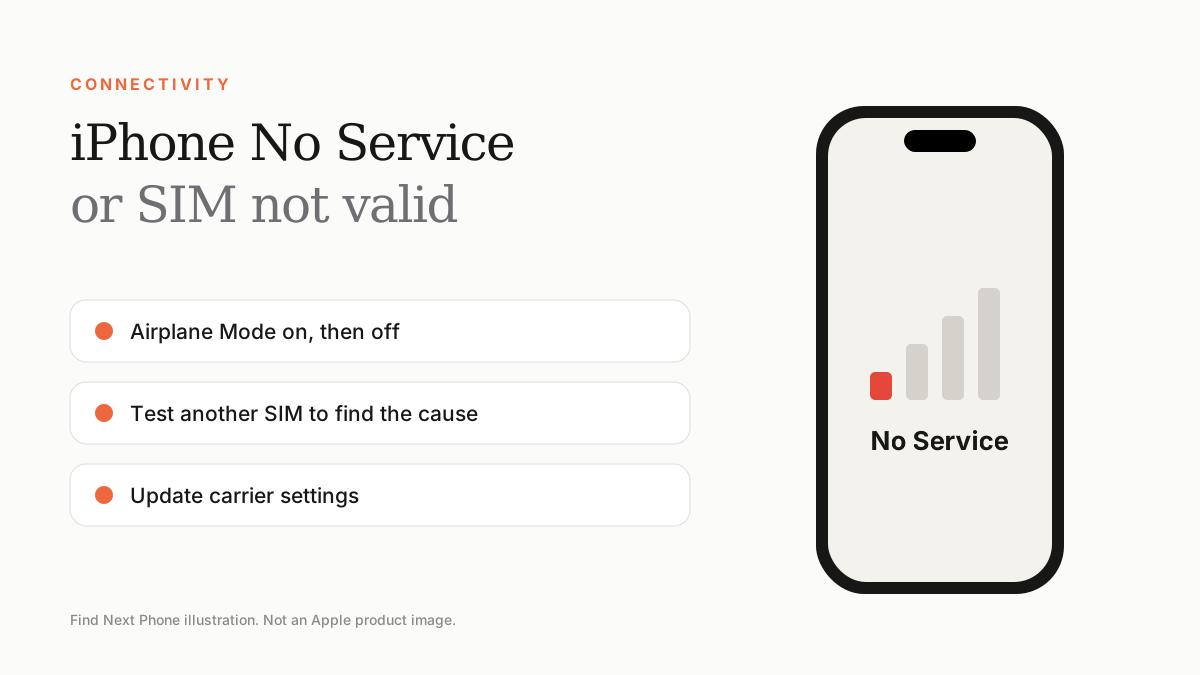
- Test a UAE SIM or eSIM from a different carrier and complete a call plus mobile-data test.
Who can unlock it?
Apple says only the current carrier can unlock an iPhone. A seller's paid “remote unlock” promise is not a substitute for the carrier approving the device. Requirements may include a paid-off account, a minimum active period or proof from the original account holder.
Red flags
- The seller will not show the About screen.
- The phone works only with a special SIM adapter or profile.
- You are told the lock will disappear after payment.
- The device is still financed or attached to an account the seller cannot access.
- There is no return right if UAE activation fails.
Frequently asked questions
Can Apple unlock a carrier-locked iPhone?
No. Apple says only the current carrier can unlock it.
Is Carrier Lock the same as Activation Lock?
No. Carrier Lock limits mobile networks; Activation Lock links the phone to an Apple Account through Find My.
Can a locked phone work on Wi-Fi?
Yes, but that does not make it suitable as a normal UAE mobile phone.
Sources
Find Next Phone is an independent retailer. Apple, iPhone and iOS are trademarks of Apple Inc. Illustrations are our own and are not Apple product images.