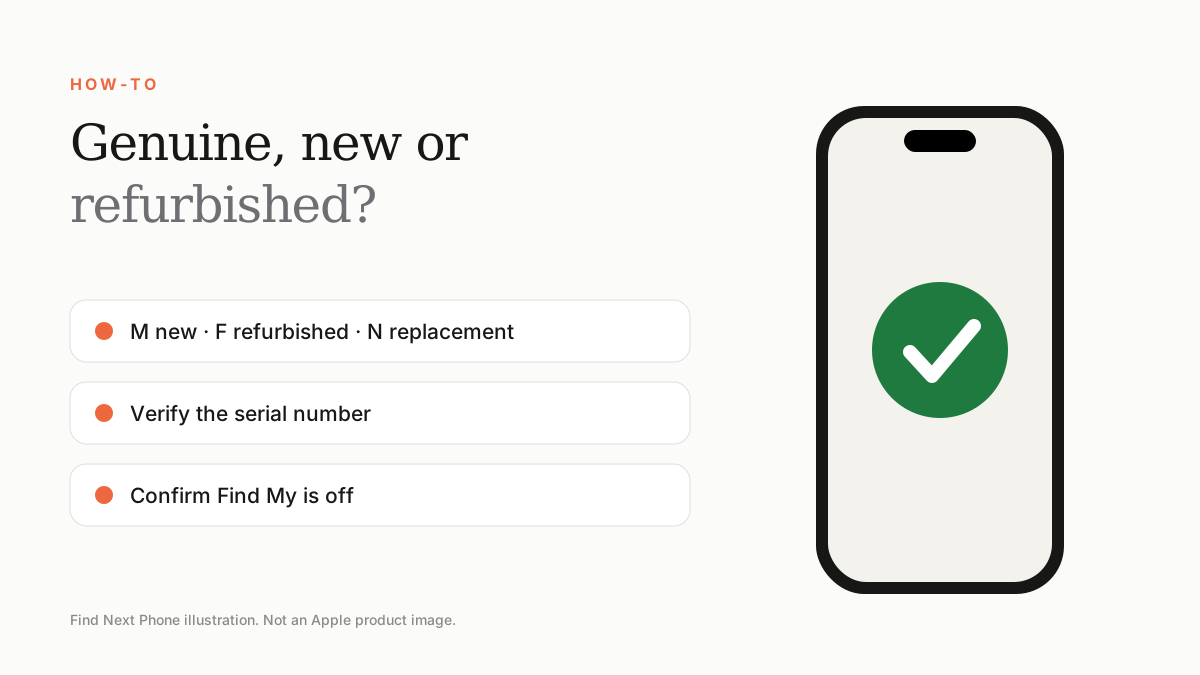
Do not judge an iPhone by shrink-wrap, a box serial number or a coverage page alone. Verify the identity inside Settings, match it to the box and invoice, inspect Parts and Service History, and require a return policy if “new” is misdescribed.
A genuine Apple phone can still be mis-sold: a used device can be cleaned and resealed, a repaired phone can be described as untouched, or a box can be paired with a different handset. Trust comes from matching evidence, not packaging theatre.
Identity checks
- Turn on the phone and open Settings › General › About.
- Match model, storage, serial and IMEI to the box and invoice.
- Check coverage information, but do not treat it as proof of physical condition.
- Confirm Find My and Activation Lock are removed by the previous owner.
- Review Parts and Service History where supported.
- Test Face ID, cameras, display, microphones, speakers, charging and connectivity.
What packaging cannot prove
Plastic wrap, seals and a convincing label can be replaced. Even a valid serial number may have been copied. The device itself and a verifiable purchase trail carry more weight than a perfect-looking box.
Require accurate sales language
| Seller says | Ask them to define |
|---|---|
| Brand new | Never activated, never repaired, full original contents and applicable warranty |
| Open box | Why opened, activation status and return rights |
| Refurbished | Who refurbished it, which parts changed and battery standard |
| Like new | Cosmetic grade only, or a functional certification too? |
Frequently asked questions
Does a valid Apple serial number prove the phone is genuine?
It is useful evidence, but not enough by itself because serial information can be copied. Match multiple identifiers and inspect the operating device.
Can a resealed phone still be genuine?
Yes. The issue is whether its activation, repair and usage history has been described honestly.
Where is Parts and Service History?
On supported models and iOS versions, look in Settings › General › About.
Sources
- Apple: If you want to buy a pre-owned iPhone
- Apple: iPhone parts and service history
- Apple: Activation Lock for iPhone and iPad
Find Next Phone is an independent retailer. Apple, iPhone and iOS are trademarks of Apple Inc. Illustrations are our own and are not Apple product images.