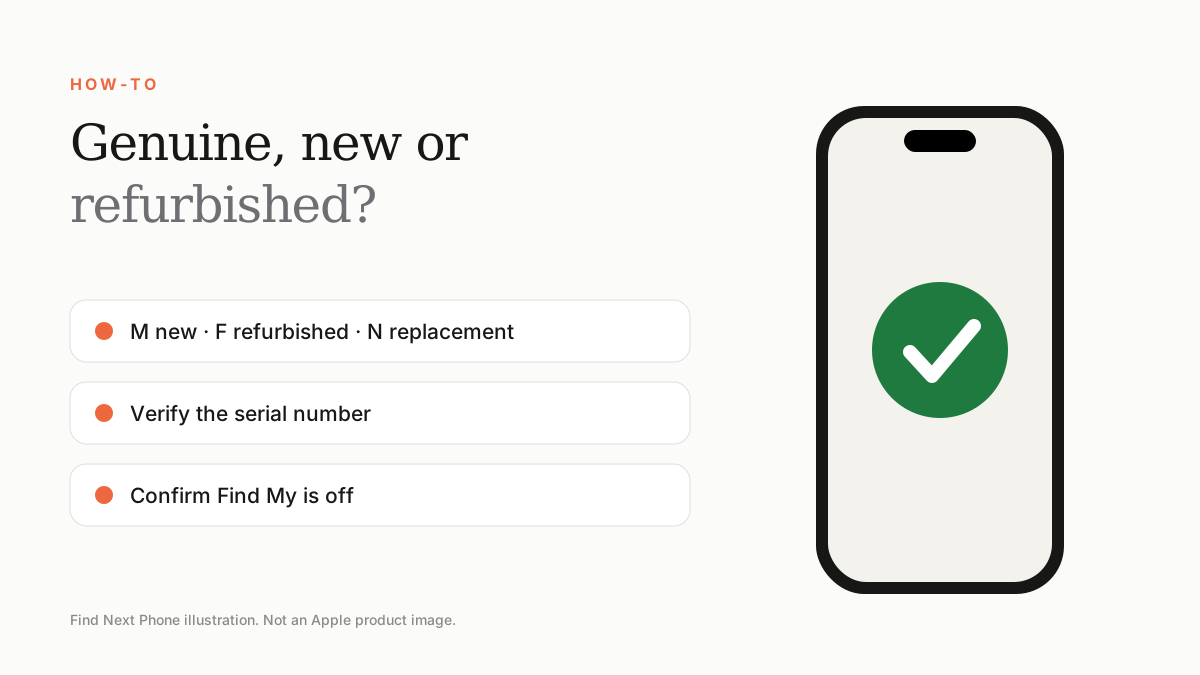
The costliest mistakes are choosing only by price, ignoring the regional model, failing to check carrier and Activation Locks, trusting cosmetic grade over parts and battery, and buying without written warranty, returns or a traceable invoice.
A good iPhone purchase should still look good after the first week, the first software update and the first warranty claim. These checks protect that longer view.
Before choosing the model
- Buying more camera or performance than you use.
- Choosing too little storage for several years of photos and apps.
- Ignoring the physical SIM versus eSIM requirement.
- Comparing monthly payments instead of total repayment.
- Assuming every regional version has identical service and resale value.
Before paying
- Not checking the exact A-number and IMEI.
- Failing to confirm “No SIM restrictions”.
- Buying while Activation Lock is still attached.
- Treating a valid serial or sealed box as complete proof.
- Ignoring Parts and Service History.
- Judging a used phone only by cosmetic grade.
- Skipping battery, Face ID, display, camera, microphone and charging tests.
After-sales mistakes
- Accepting “warranty included” without coverage, exclusions and claim process.
- Buying without a return or inspection window.
- Paying without an itemised, traceable invoice.
A safer decision rule
Write down the final price, model number, storage, colour, region, battery standard, parts history, warranty and return period for each offer. Compare those rows—not advertisements. If a seller refuses one of the facts, treat the uncertainty as a cost.
Frequently asked questions
Should I buy UAE or international version?
Choose based on exact SIM needs, network compatibility, warranty route, resale clarity and final cost—not the label alone.
What is the single most important used iPhone check?
There is no single check, but do not proceed if Activation Lock remains or the seller cannot prove the device identity and ownership.
Is 100% battery health always best?
Not necessarily. Ask whether the battery was replaced, review parts history and assess real performance plus warranty.
Sources
- Apple: Identify your iPhone model
- Apple: If you want to buy a pre-owned iPhone
- Apple: iPhone parts and service history
- Apple: Activation Lock for iPhone and iPad
- Apple: Unlock iPhone for another carrier
- Apple one-year limited warranty for EMEA
Find Next Phone is an independent retailer. Apple, iPhone and iOS are trademarks of Apple Inc. Illustrations are our own and are not Apple product images.