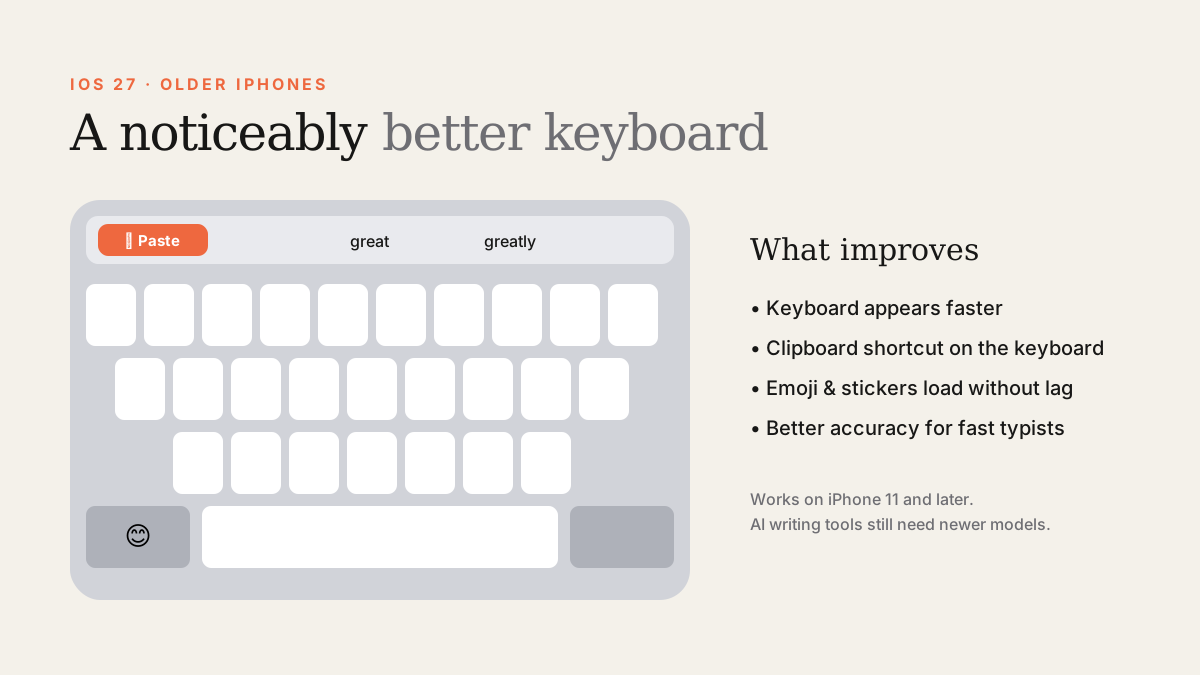
Yes — on iOS 27 the keyboard appears faster, emoji and stickers load without the old pause, and there's a new clipboard shortcut. These improvements work on every iOS 27 iPhone, back to iPhone 11.
Keyboard lag was one of the most common complaints about iOS 26 on older iPhones: tap a text field, wait, then start typing. iOS 27 focused heavily on performance, and the keyboard is where many owners of older phones notice it first.
What's better
- The keyboard loads quicker when you tap a text field.
- The emoji and sticker keyboards open without the irritating delay.
- A new clipboard shortcut on the keyboard makes it faster to paste text — or a screenshot you just took.
- Accuracy improvements for fast typists, building on changes Apple introduced in iOS 26.4.
Which iPhones get it?
Every iPhone that runs iOS 27: iPhone 11 and later, plus iPhone SE (2nd generation and later). That includes iPhone 12, iPhone 13 and iPhone 13 Pro.
What still needs a newer iPhone
Apple Intelligence writing tools and the smartest context-aware features need iPhone 15 Pro, iPhone 16 or later. Older iPhones keep the standard autocorrect and predictive text — now noticeably snappier.
Keyboard still slow after updating? Try this
- Give the phone a day after updating for background indexing to finish.
- Restart the phone.
- Settings › General › Keyboard: turn off keyboards you don't use.
- If predictions are bad, reset the keyboard dictionary: Settings › General › Transfer or Reset iPhone › Reset › Reset Keyboard Dictionary.
- Keep at least 10% of storage free.
Sources
- Macworld: iOS 27 makes older iPhones faster
- MacRumors: iOS 27 keyboard upgrade
- MacRumors: iOS 27 compatible iPhones
Find Next Phone is an independent retailer. Apple, iPhone and iOS are trademarks of Apple Inc. Illustrations are our own and are not Apple product images.